
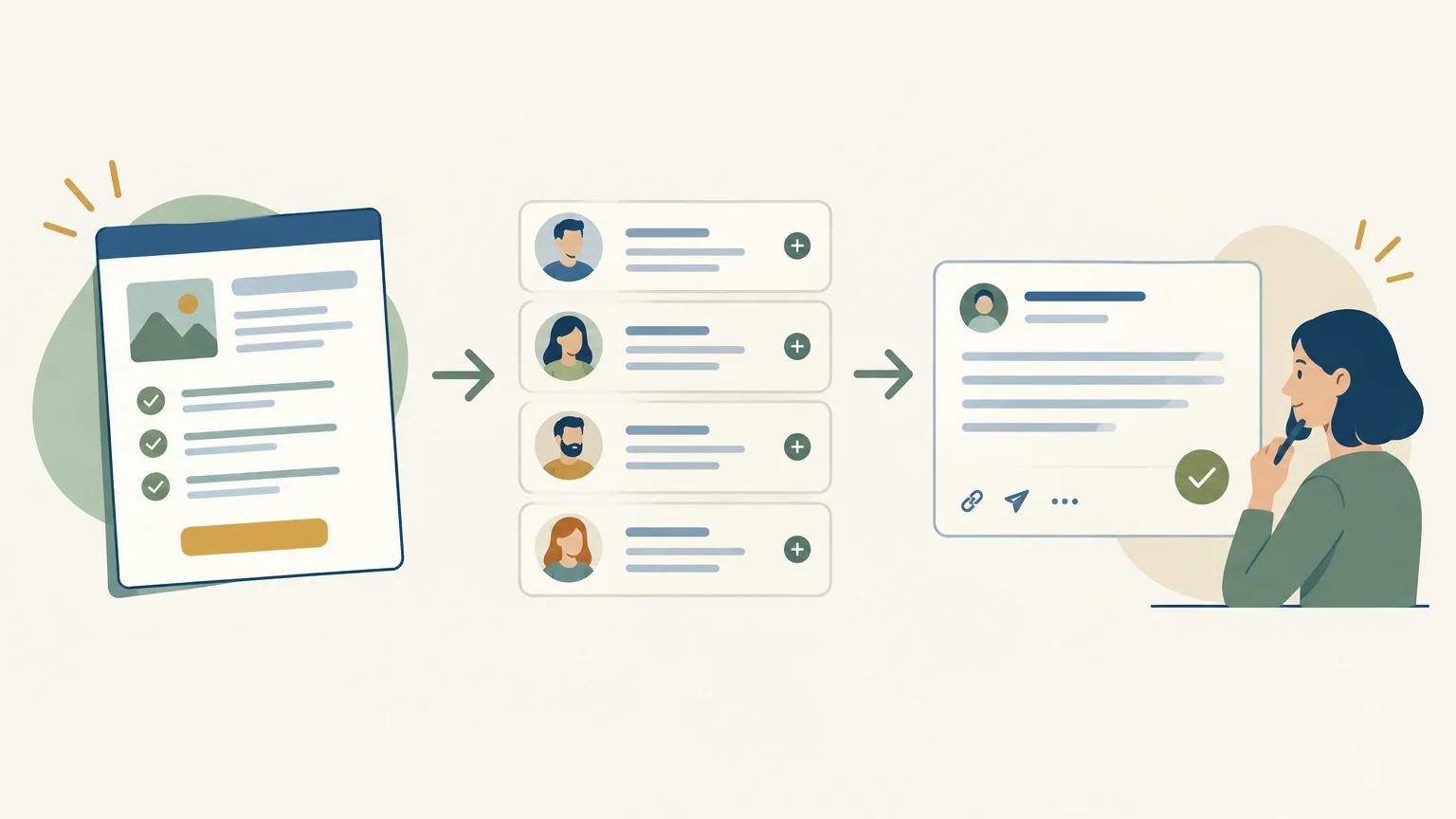
A sales prospecting agent prepares and coordinates repetitive tasks, from finding prospects to tracking conversations. It does not replace the sales rep: it leaves them in charge of approving outreach and managing prospect relationships. To understand how this fits among the ways to automate sales prospecting, you need to distinguish between actions that are prepared, those that are executed automatically and those that still require human judgment. The GetCalls prospecting agent follows this approach by bringing together several stages of B2B prospecting.
The key question, then, is not simply whether a tool uses artificial intelligence. You need to understand which tasks it handles, how it chooses the next actions and how much control your team retains. An agent suited to a small team that manually finds prospects and follows up will not necessarily meet the needs of an organization with well-established processes and tools.
What is a sales prospecting agent?
Imagine a sales rep who needs to identify companies that fit an offering, find the right contacts, prepare an initial message, then log responses and schedule follow-ups. A sales prospecting agent is a tool that organizes part of this work based on a goal and information defined by the business.
Depending on its capabilities, it can help with prospect sourcing, contact qualification, contact data enrichment, message preparation or conversation tracking. Unlike a simple text generator, it can connect several steps into a workflow. However, this coordination should not be confused with handing over the entire sales process: interpreting an ambiguous reply, negotiating or deciding whether an opportunity is worth pursuing remain sales responsibilities.
The term “agent” alone is therefore not enough to evaluate a tool. Instead, ask what information it uses, which actions it prepares, what it executes without approval and how your team can correct an error. These answers describe its role more precisely than the technology label.
Which tasks can it prepare or coordinate?
A prospecting workflow can start with defining an ideal customer profile, then move on to finding companies and contacts, enriching data and preparing outreach. After the initial approach, tracking responses and follow-ups helps preserve context and determine a relevant next step.
An agent can connect these tasks rather than leaving the sales rep to switch between a prospect list, a writing tool, an inbox and a calendar. The value depends on how well the workflow fits together: a relevant contact, reliable information and a message grounded in real context are more useful than one more automatically generated action.
For a closer look at the role of artificial intelligence in these steps, read our article on AI-assisted sales prospecting. It is still important to check what each tool actually automates. Some prepare actions for approval, while others automate specific operations. This distinction should be clear before you launch a campaign.
Where should human approval come in?

Before sending an outreach message, the sales rep can check three things: whether the recipient is right, whether the context mentioned is accurate and whether the proposal is relevant. This step prevents a seemingly personalized message from relying on inaccurate data or assumptions.
Approval is especially useful when targeting a new audience, when contact information is uncertain or when a prospect’s situation calls for nuance. It should not become a matter of mechanically clicking a button. Users must be able to understand why an action is suggested, edit the message and decide what happens next.
For consistent, clearly defined tasks, some actions can be automated depending on the tool’s capabilities and the rules set by the team. For email outreach and sensitive situations, it is best to clearly define which steps require approval. In every case, the sales rep remains responsible for the conversation, in-depth qualification and sales decisions.
Sales outreach must also account for applicable regulations. The CNIL provides guidance on the key rules for sales prospecting.
How can you assess whether an agent fits your process?
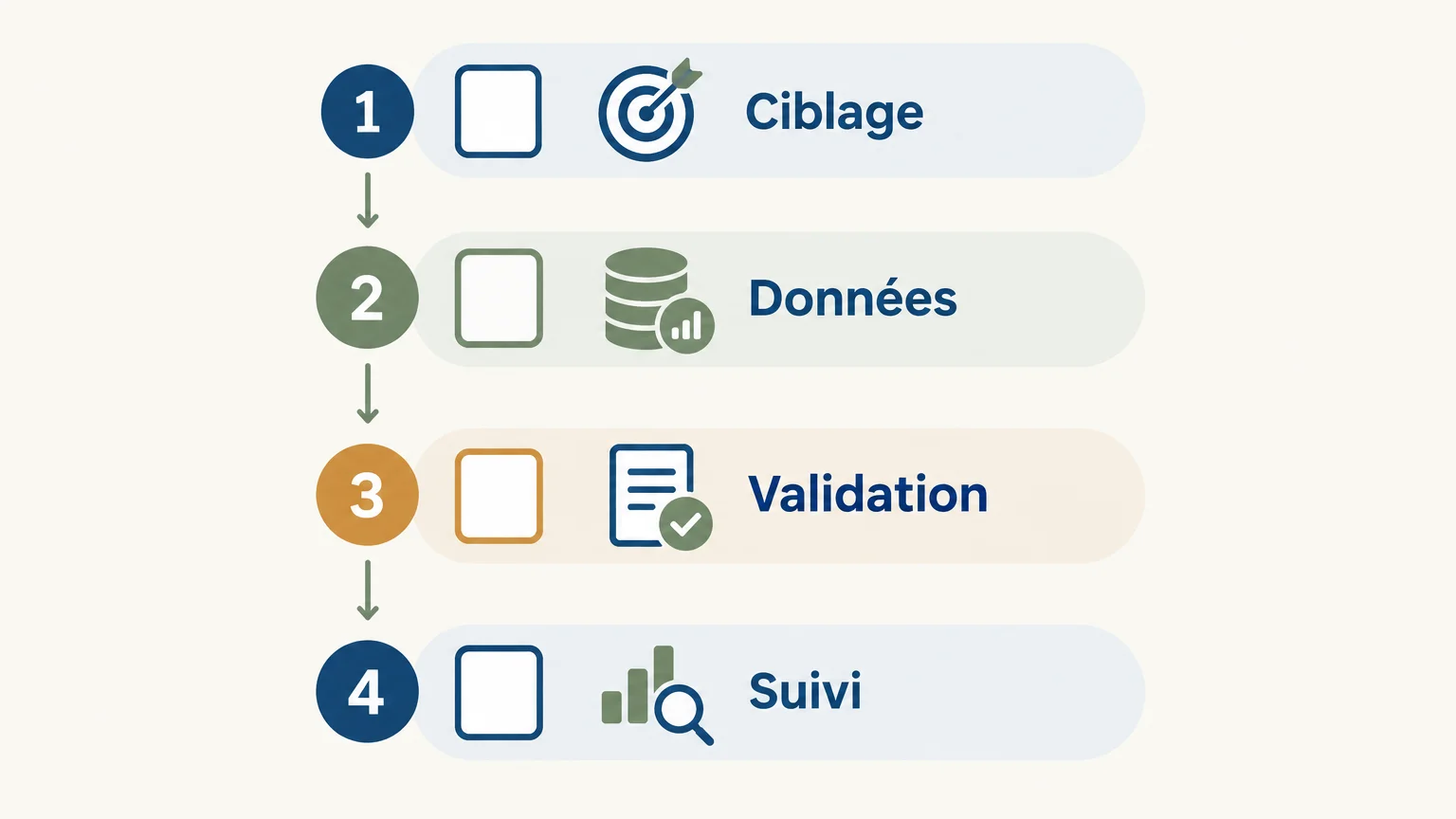
Before choosing a tool, start with the work that takes up most of your team’s time. If manual research is time-consuming, check its sourcing capabilities. If follow-ups are often missed, examine how it tracks conversations and organizes next steps.
- Targeting: can you define and refine your ideal customer profile?
- Data quality: which contact details are enriched, and how is uncertain information handled?
- Human control: which actions require approval and which can be automated?
- Sales follow-up: can the team still access conversation history and follow-ups?
- Usage costs: is pricing based on users, actions, credits or a flat fee?
Next, test a real workflow on a small segment: a few targeted companies, verifiable information and messages reviewed by a sales rep. Record targeting errors, the time spent on corrections and the tasks that are actually eliminated. This test reveals more about the agent’s usefulness than a long feature list.
Finally, compare tools based on the work they cover, without assuming that a data tool and a prospecting agent serve the same purpose. Our GetCalls vs. Clay page compares these approaches, particularly when enrichment and workflow organization are key factors in your decision.
What our GetCalls Prospecting Agent brings together
Our agent analyzes a website URL, a catalog or an offering description to understand the business and infer an ideal customer profile. It then finds prospects, enriches their contact details where available and prepares messages and follow-ups. LinkedIn, email and phone are brought together in a single inbox with a conversation history.
Prepared actions are presented individually for approval before execution. This setup keeps the team in control of outreach while the agent handles part of the research, preparation and follow-up. Its described workflow includes analyzing more than 50 data sources, though this does not mean every source applies to every prospect.
Pricing is based on credits consumed per action: a LinkedIn action card costs 1 credit, an email card with an enriched and verified address costs 3 credits, and a phone card with an enriched number costs 9 credits. No credits are charged when enrichment fails. The trial is free, with no credit card required; 500 credits are unlocked after setup with LinkedIn or email connected and approval of a first campaign. Pricing is €80 excluding VAT for 1,000 credits, and you can adjust your credit allocation or cancel at any time.
Choose based on the tasks you want to delegate
A sales prospecting agent is useful when its scope matches the tasks that genuinely slow your team down, and when its data and actions remain under your control. Define your target audience, test a workflow on real cases, then measure information quality and time saved. Relationships, sales judgment and the decision to continue a conversation remain in your team’s hands.
Try an AI-assisted prospecting workflow
When research, outreach preparation and follow-ups are scattered across multiple tools, it becomes difficult to maintain a clear view of conversations. A shared workflow can help connect these steps while keeping your team in charge of approving actions.
Our agent analyzes your offering, finds prospects and prepares actions across LinkedIn, email and phone, which you approve before execution. The trial is free, with no credit card required. Once your account is set up with LinkedIn or email connected and your first campaign is approved, 500 credits are unlocked. Pricing is €80 excluding VAT for 1,000 credits, and you can adjust your credit allocation or cancel at any time. Try the GetCalls AI prospecting agent.
Frequently asked questions
Does a prospecting agent replace a sales rep?
No. It can prepare and organize repetitive tasks, but the sales rep retains responsibility for the relationship, needs assessment and sales decisions. Depending on the process, they also approve actions before execution.
Which tasks can a prospecting agent handle?
Depending on its capabilities, it can help find and qualify prospects, enrich contact details, prepare messages and track follow-ups. Check the tool’s exact scope before adopting it.
How can you stay in control of AI-prepared messages?
Define which actions require approval, then check the recipient, context and relevance of each approach. Make sure you also have a way to correct information or stop an inappropriate follow-up.
How does pricing work for our GetCalls Prospecting Agent?
Pricing is €80 excluding VAT for 1,000 credits, consumed according to the action type and the enrichment delivered. You can adjust your monthly credit allocation or cancel at any time.
Who is a multichannel prospecting agent suited to?
It can suit a team that prospects across multiple channels and wants to bring together research, outreach preparation and follow-up. If your team uses only one channel or already has a well-established process, first compare the tasks you actually need covered.