
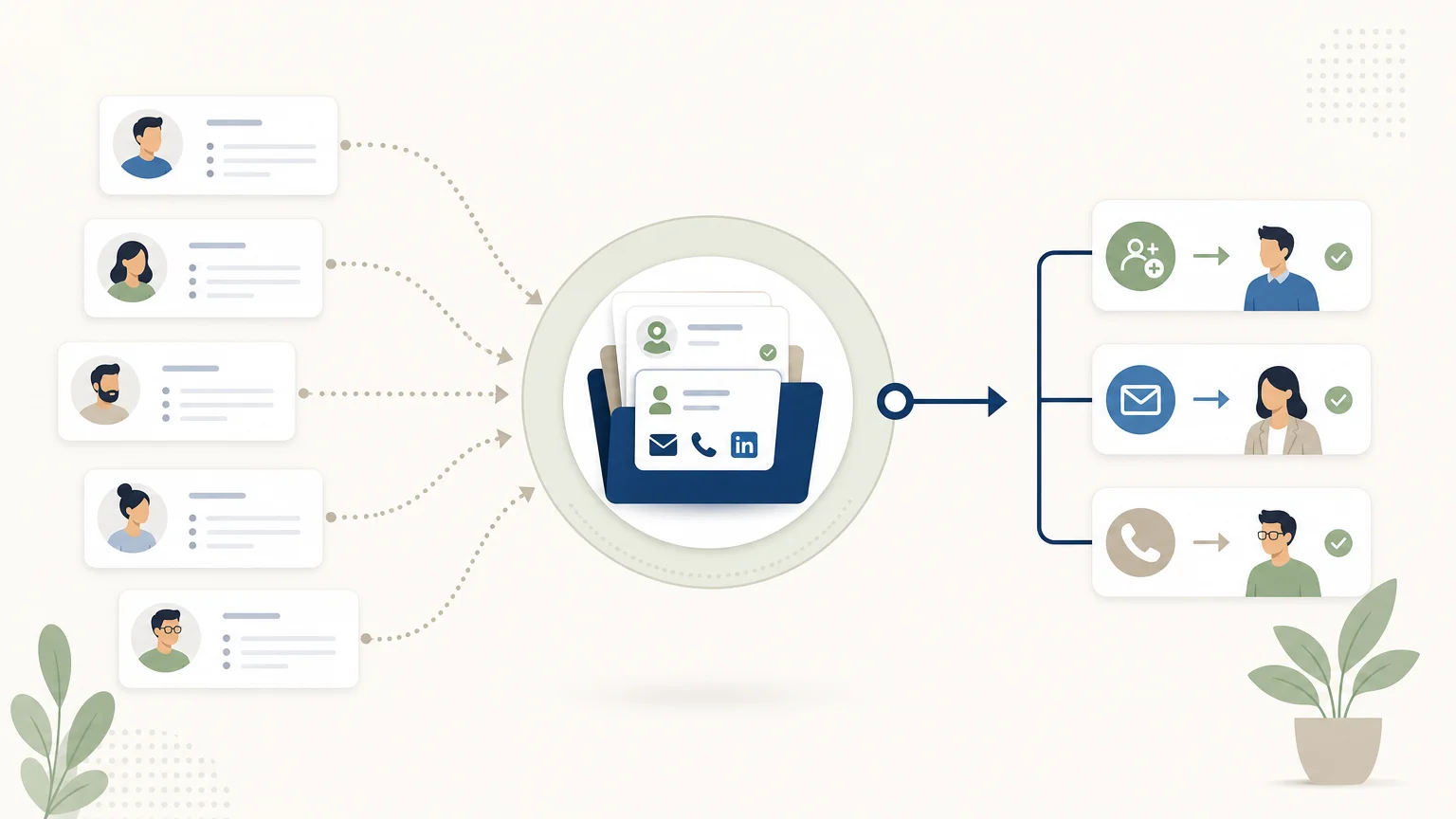
How many prospects are truly followed up on after their first interaction? Between scattered files, forgotten follow-ups, and incomplete information, the challenge isn't just generating leads. It's about transforming every contact into a useful next action. To save time on this step, our sales automation helps prepare and organize commercial actions without removing the salesperson's control over the relationship.
A lead management software is precisely designed to structure this journey. It's not limited to storing names and email addresses. It must allow you to understand where each contact comes from, verify their relevance, keep a history of exchanges, and know what action to take next.
What is lead management software?
Imagine a team receiving inquiries via a form, LinkedIn, email campaigns, calls, and professional events. Without a common system, each contact might be recorded differently, assigned to the wrong salesperson, or left unanswered. Lead management software centralizes this information in one place to track a contact's lifecycle, from capture to conversion or dormancy.
Lead management typically covers five functions. The software captures or imports contacts, enriches them with useful information, qualifies them according to defined criteria, organizes follow-ups, and measures their progress through the pipeline. It can also assign leads to a team member, keep track of communications, and generate alerts when an action becomes necessary.
Lead management, lead generation, and prospecting
These concepts are similar, but they don't refer to the same thing. Lead generation aims to attract and identify new contacts, for example, through content, forms, or advertising. Prospecting involves reaching out to companies or individuals who might need an offer, particularly via email, phone, or professional networks.
Lead management then comes into play, or runs in parallel. It provides a framework for processing contacts, avoiding duplicates, qualifying their potential, recording interactions, and deciding when to follow up. A tool can cover several of these functions, but it's important to check its actual scope before choosing it.
What features should you actually look for?
A simple example can distinguish essential functions from secondary options. If a prospect fills out a form, the software should be able to create a record, identify its origin, apply qualification criteria, assign a task to a salesperson, and keep track of subsequent exchanges. The longer the process, the more important information continuity becomes.
| Function | Question to ask | Concrete indicator |
|---|---|---|
| Centralization | Are data and exchanges gathered in one place? | Unique record with history, status, and lead source |
| Qualification | Can you distinguish a relevant contact from a low-priority one? | Criteria for profile, need, sector, size, or engagement |
| Lead scoring | Does the software help prioritize actions? | Score or priority level customizable according to your rules |
| Follow-ups | How to avoid omissions without sending generic messages? | Reminders, tasks, sequences, or contextualized suggestions |
| Reporting | Can you measure which steps are blocking progress? | Delays, response rates, conversion, and activity by channel |
Scoring deserves particular attention. A score is not an automatic truth about a prospect's quality. It's a prioritization tool that must combine fit with the desired profile, signals of interest, and the team's actual capacity to handle the contact.
Data enrichment is also useful when records are incomplete or quickly outdated. It can complete professional information, verify an email address, or clarify a company's context. However, it's necessary to control the sources used, the freshness of the information, and the conditions for reusing data.
How to choose a tool adapted to your sales process?
The best tool on paper can become a poor choice if it requires too much data entry, doesn't match your channels, or is abandoned by the teams. So, start by describing your existing process before comparing features.
1. Define the type of leads handled
A tool designed to process inbound inquiries does not meet exactly the same needs as a solution dedicated to outbound prospecting. In the first case, capture, routing, and response time may be priorities. In the second, targeting, enrichment, personalization, and follow-up tracking play a greater role.
2. Check the channels used
List the channels actually used by your sales reps, then check if the tool centralizes them or simply connects them indirectly. A multi-channel environment can bring together email, phone, LinkedIn, forms, and appointments, but the quality of the experience depends on maintaining context between each interaction.
The question isn't just about how many channels are available. It's also about checking if actions are automatically recorded, if responses interrupt planned follow-ups, and if sales reps can quickly find useful information before an exchange.
3. Test user adoption
A clear interface, a mobile application, and simple tasks to validate can be more valuable than a long list of rarely used options. Ask several sales reps to test a real scenario, from lead creation to following up on an unanswered conversation.
In 2026, the human element remains central in processes augmented by artificial intelligence. A 2026 Gartner study indicates that 69% of B2B buyers surveyed prefer to validate AI-generated insights with a salesperson. For lead management software, this argues in favor of suggested actions that are controllable and easy to correct.
Automate follow-ups without losing human control

Useful automation isn't about sending more messages. It's about reducing repetitive tasks while maintaining a clear rule on actions that require human oversight.
Tasks that are easy to automate generally include creating a record, updating a status, setting a reminder, identifying inactivity, or sending an internal notification. External messages, however, must remain consistent with the prospect's context and the expected level of personalization.
A good sequence also includes stop conditions. A reply, a request to unsubscribe, a status change, or an already engaged conversation should prevent sending an inappropriate follow-up. Automation must therefore integrate the process logic, not just a schedule.
With us, actions prepared by artificial intelligence are presented individually so that the user can validate them before execution. This approach is relevant for teams that want to accelerate research, preparation, and follow-up while retaining responsibility for the sales relationship.
Personal data and compliance: points to check
A prospect file is not neutral, even when the information comes from an online accessible source. The chosen software must help your organization document the origin of the data, the purpose of processing, individuals' rights, and the retention period.
The CNIL reminds of the rules applicable to commercial prospecting by email, SMS, telephone, and mail. It specifies, in particular, that publicly accessible data remains personal data and that its reuse for prospecting purposes must comply with the GDPR. From August 11, 2026, certain rules relating to telephone prospecting will also evolve in France.
Questions to ask the vendor
- Where is the data hosted and what security measures are applied?
- How are requests for access, rectification, erasure, or opposition processed?
- Is the data used for any purpose other than that intended by your company?
- Does the software keep a record of consents, oppositions, and contact preferences?
- Can roles and access rights be adapted to each user's responsibilities?
Compliance cannot be entirely delegated to the software. The company remains responsible for its targeting choices, messages, legal bases, and internal procedures. However, a reputable tool should facilitate documentation, access limitation, and consideration of oppositions.
Which tool depending on team size and maturity?
A small team still working with a spreadsheet doesn't necessarily need to start with a very complex platform. The initial goal might be to centralize contacts, define a few pipeline stages, and make next actions visible. A more advanced solution becomes relevant when volumes, channels, or reporting requirements increase.
| Situation | Priorities | Cautionary point |
|---|---|---|
| Freelancer or small team | Quick setup, clear cost, essential tasks | Avoid paying for rarely used modules |
| SME with sales team | Shared history, assignment, follow-ups, and reporting | Verify adoption by all sales reps |
| Organization with complex processes | Customization, access rights, integrations, and forecasting | Measure the cost of setup and training |
| Multichannel outbound prospecting | Sourcing, enrichment, personalization, and conversation tracking | Control data quality and action volumes |
The cost must be evaluated according to the model actually used. A per-user subscription may be suitable for a team working on a stable pipeline. Usage-based pricing might be clearer for prospecting activity where volume varies month-to-month. Always compare price, setup time, training, and potential complementary tools.
A 2026 Deloitte report on workflow automation highlights the importance of connecting processes, data, and operational tools. This logic also applies to lead management: a central platform has more value if it reduces re-entry and improves the transition from one sales action to the next.
For a team primarily looking to develop its outbound prospecting, we offer an operational approach combining sourcing, enrichment, message preparation, and follow-up in a single inbox. Our best sales prospecting software addresses this issue without presenting AI as a replacement for the salesperson.
GetCalls as an example of operational lead management
Choosing a tool depends on the problem you're trying to solve. If your main challenge is processing inbound leads, a structured CRM might suffice. If you're wasting time searching for prospects, enriching their contact details, preparing messages, and organizing follow-ups, an outbound prospecting-oriented solution might be more suitable.
We bring LinkedIn, email, and phone together in a single inbox with a shared history. The system can analyze the company's offer, help refine the ideal customer profile, continuously search for prospects, and prepare personalized actions. Contact details are enriched when available, depending on the channel and the chosen enrichment level.
The operation remains based on human validation of prepared actions. Salespeople can therefore review a record, correct context, validate initial contact, or directly resume a conversation. LinkedIn invitations can be automated, while action volumes remain controlled.
For prospects who don't respond immediately, our sales follow-up helps maintain context over time. The goal isn't to multiply solicitations, but to make lukewarm conversations, pending actions, and useful next steps visible.
Pricing works with prospecting credits. The stated price is €80 excluding VAT for 1,000 credits, with different consumption depending on the action and enrichment level. A free trial allows testing the functionality without a credit card, with 500 credits unlocked after account configuration and validation of a first campaign.
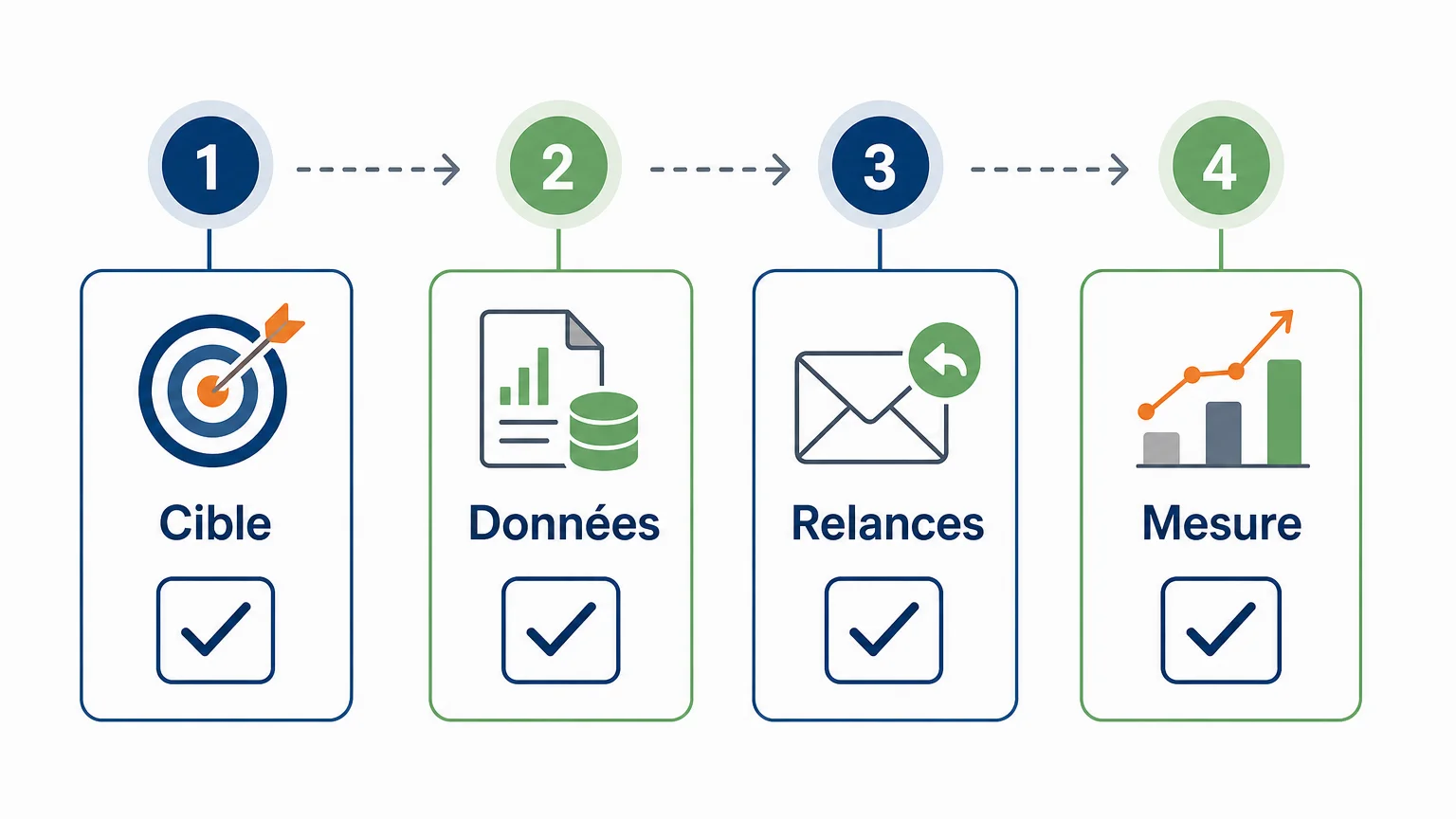
How to evaluate software before committing?
A trial or demonstration should be organized around real-world scenarios, not just a simple interface tour. Prepare some dummy contacts, a follow-up scenario, a status change, and an opt-out request. You'll quickly see if the tool fits your workflow.
- Define your lead journey, from initial identification to appointment or conversion.
- Measure data quality, including duplicates, missing information, and enrichment possibilities.
- Test follow-up sequences, stop rules, personalization, and visibility of upcoming actions.
- Check reporting, access rights, data export, and GDPR-related procedures.
Also ask who will be responsible for administering the software. Without someone dedicated to maintaining rules, stages, and qualification criteria, the tool risks replicating the disorder it was meant to solve. Success depends as much on the sales methodology as on the technical solution.
Key takeaways
Lead management software is useful when it transforms scattered information into clear sales actions. To choose correctly, first examine your process, channels, qualification criteria, automation needs, and data protection obligations. Prioritize a tool adopted by your teams, capable of retaining context and allowing sales reps to control important exchanges.
Structure your prospecting with the right tool
If your team still spends a lot of time searching for prospects, preparing messages, and following up with contacts, a centralized approach can simplify daily operations. AI prepares actions, while your team retains validation and commercial relationship management.
With GetCalls, you can connect LinkedIn or your mailbox, launch a first campaign, and track conversations in a shared inbox. The free trial is available without a credit card, with 500 credits unlocked after configuring and validating a first campaign. Discover our sales prospecting software to test a workflow adapted to outbound prospecting.
Frequently Asked Questions
What is the difference between a CRM and lead management software ?
A CRM generally covers a broader part of customer relationship management, while lead management software focuses on capturing, qualifying, tracking, and converting sales contacts. The two categories can overlap depending on the features offered.
Is lead scoring essential ?
It's not essential for a small team with few contacts, but it becomes useful when volume increases or sales reps need to prioritize their actions. The score must remain understandable and be adjusted based on observed results.
Can all follow-ups be automated ?
It's best to automate reminders, tasks, and some simple sequences, while retaining human validation for sensitive or highly personalized messages. Responses, opt-outs, and context changes should interrupt planned follow-ups.
How can I verify that a tool complies with GDPR ?
Check the origin of the data, legal bases, access rights, retention periods, objection procedures, and hosting conditions. Also request contractual documents and security measures applicable to your use.
Is GetCalls suitable for all businesses ?
GetCalls primarily targets sales teams, small businesses, and organizations that want to structure their outbound prospecting. The service is particularly relevant when the need involves sourcing, enrichment, multichannel approaches, and follow-up tracking, rather than complete after-sales management.