
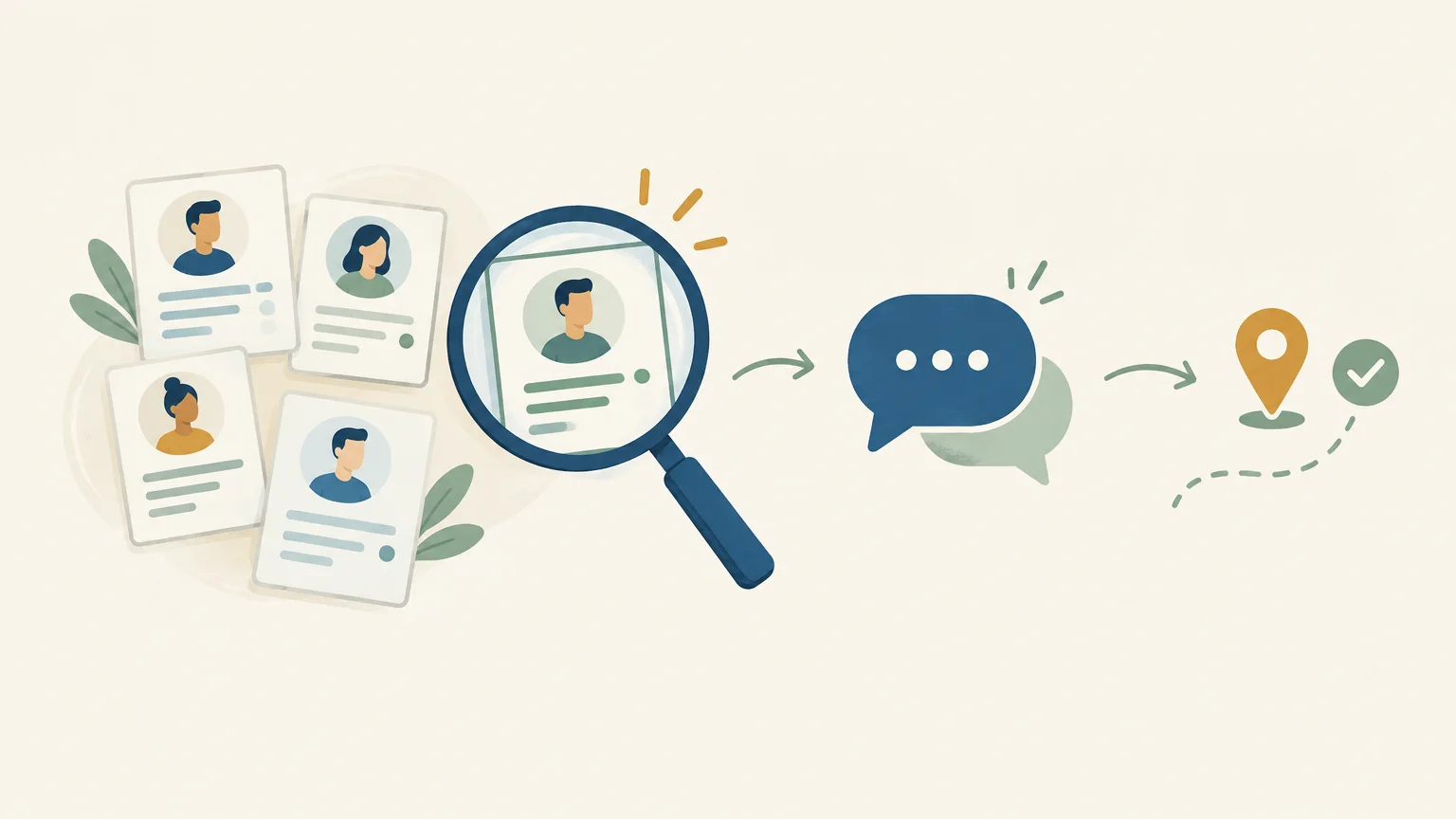
A prospecting tool is no substitute for precise targeting or a relevant message. LinkedIn prospecting tools differ primarily in their purpose: finding profiles, automating outreach, enriching data, or tracking conversations. To understand how these categories differ and how they work together, explore our overview of sales prospecting tools.
One factor should shape your decision: LinkedIn prohibits unauthorized automated methods and scraping of its services. A tool’s capabilities do not constitute permission to use them on the platform. Review LinkedIn’s User Agreement before launching any automation, and choose a prospecting approach that fits your constraints.
Which tools should you choose for your LinkedIn needs?
Is your priority finding profiles, sourcing contact details, running sequences, or managing shared tracking? The table compares six options by their primary function. The first suits teams looking to bring several prospecting stages together; the others address more specific needs or complement an existing stack.
| Rank | Tool | Primary role | Channels and tracking | Pricing or model |
|---|---|---|---|---|
| 1 | GetCalls prospecting agent | Sourcing, action preparation, and tracking | LinkedIn, email, and phone in one inbox | €80 excluding VAT for 1,000 credits; cost varies by action |
| 2 | LinkedIn Sales Navigator | Native LinkedIn search and targeting | Lists, alerts, and outreach on LinkedIn | Subscription varies by plan |
| 3 | Waalaxy | LinkedIn prospecting sequences | LinkedIn and, depending on the plan, email | €19, €49, or €69 per user per month |
| 4 | lemlist | Multichannel prospecting and personalization | Email, LinkedIn, and calls; additional options depend on the plan | From $87 per user per month with annual billing |
| 5 | B2B data and sales execution | Enrichment and prospecting campaigns | Check pricing for your plan and usage | |
| 6 | Clay | Data enrichment and orchestration | Workflows connected to external sources and tools | Plan fees, actions, and data credits based on usage |
The prices shown were checked on October 13, 2026, where publicly available. Dollar amounts have not been converted to euros, and actual costs may depend on the plan, billing terms, and credits consumed.
1. GetCalls prospecting agent
Best for: teams looking to bring prospect research, outreach preparation, and multichannel tracking together.
Our prospecting agent uses a website URL, a catalog, or a description of your offering to define targeting and find prospects. It prepares messages and follow-ups, then brings LinkedIn, email, and phone conversations together in one inbox. Prepared actions are presented individually for approval before execution. LinkedIn invitations can be automated, but this capability does not mean every action is automated or that LinkedIn has authorized it.
Pros:
- The workflow covers research, available enrichment, message preparation, and follow-ups, rather than focusing solely on sending.
- A shared history brings LinkedIn, email, and phone together to preserve the context of every conversation.
- Pay-as-you-go pricing is €80 excluding VAT for 1,000 credits. A LinkedIn action uses 1 credit; you can change your budget or stop spending at any time, with no commitment.
- The free trial requires no credit card. The 500 credits are unlocked after you set up your account with LinkedIn or email connected and approve your first campaign.
Cons:
- Your budget depends on volume and the actions you choose, particularly contact enrichment, so you should estimate usage before setting a monthly volume.
2. LinkedIn Sales Navigator
Best for: salespeople who want to target and track profiles directly within the LinkedIn ecosystem.
Sales Navigator stands out for its advanced search, lead lists, and alerts about people or accounts you follow. LinkedIn says the tool offers more than 50 filters, including function, seniority, and activity. It is a strong option when your main challenge is narrowing a search to profiles that match a specific segment, such as sales leaders at companies in a particular industry and size range.
Pros:
- Targeting draws on profiles and information available on LinkedIn.
- Lists and alerts make it easier to track accounts and changes involving saved leads.
- Features vary by plan, with collaboration and sales tool integrations available in some offerings.
Cons:
- Its primary role remains search and tracking on LinkedIn. You may need another tool to enrich contact details or organize multichannel follow-ups.
- It requires a paid subscription, with pricing based on the plan you choose.
3. Waalaxy
Best for: freelancers and small teams looking to structure LinkedIn prospecting sequences and manage repetitive follow-ups.
Waalaxy offers campaigns with prebuilt sequences, invitations, and automated follow-ups. Depending on the plan, outreach can include email and collaboration features. The pricing page reviewed lists plans at €19, €49, and €69 per user per month, with a 14-day trial. Check which features your chosen plan includes, especially if you need a multichannel workflow rather than LinkedIn-only sequences.
Pros:
- Prebuilt sequences help organize outreach steps and follow-ups.
- Plans display pricing in euros and offer a 14-day trial.
- The Business plan adds campaigns combining LinkedIn and email.
Cons:
- Features and available volume vary by plan, so you need to compare plans carefully before subscribing.
- Automated sequences should be assessed against LinkedIn’s rules and the level of control you want.
4. lemlist
Best for: teams looking to build multichannel campaigns with email as a major part of their prospecting strategy.
lemlist combines email campaigns with LinkedIn actions and calls in its multichannel offering. Its pricing page lists $109 per user per month with monthly billing, or $87 with annual billing, along with a 14-day trial for this plan. Additional options, including WhatsApp, depend on the offering. The product is better suited to teams looking to coordinate multiple touchpoints than those seeking only a LinkedIn targeting tool.
Pros:
- A single campaign can combine email, LinkedIn, and calls.
- Personalization and enrichment tools help teams tailor messages to each prospect’s context.
- The 14-day trial lets you evaluate the multichannel plan before continuing.
Cons:
- The multichannel plan is billed per user, with pricing displayed in dollars; compare the total team cost and billing terms.
- Its range of features may exceed the needs of someone who only wants to identify profiles.
5.
Best for: teams looking to work with B2B contact data, enrich it, and organize prospecting campaigns.
positions itself as a sales data and prospecting platform. In a LinkedIn strategy, its value is primarily complementary: it can help build or enrich a contact list, then organize the team’s planned prospecting activities. Before choosing it as a LinkedIn execution tool, check the plan details and how it supports the channel within your workflow.
Pros:
- It brings B2B data and prospecting capabilities together in one platform.
- It can complement a LinkedIn search tool when the team also needs to manage contact lists and sales campaigns.
Cons:
- It is not a direct substitute for Sales Navigator when searching with LinkedIn’s native filters.
- Pricing and included credits depend on the plan; compare the cost of the capabilities you actually need before committing.
6. Clay
Best for: teams building custom workflows for data enrichment, research, or qualification.
Clay orchestrates data workflows through enrichment, AI-assisted research, and connections to other tools. For LinkedIn-related use cases, it can help prepare or qualify lists before outreach. However, this orchestration differs from a tool focused on sending messages and managing LinkedIn conversations: review each integration and every step you want to implement.
Pros:
- Workflows can bring together multiple research and data enrichment steps.
- Reusable rules and functions can help a team standardize its qualification methods.
- The model separates orchestration actions from credits used for certain data and AI features.
Cons:
- Costs are less straightforward than a simple subscription because they depend on plans, actions, and data credits consumed.
- It is important to define your workflow and required sources before comparing its cost with a ready-to-use sequencing tool.
When can one tool replace a stack of separate solutions?

A team using Sales Navigator for research, a separate tool for enrichment, and another platform for follow-ups also has to maintain lists and synchronize information between stages. An integrated workflow, by contrast, can bring research, message preparation, and tracking together in one workspace. That is the approach behind our prospecting agent: LinkedIn, email, and phone conversations share a history, while prepared actions are submitted for approval before execution.
The choice depends on what is actually slowing your team down. If targeting precision is the only issue, Sales Navigator may be enough. If manual research, preparation, and follow-ups are piling up, reducing the number of tools can simplify tracking. To compare options across the broader sales process, explore our selection of sales prospecting software.
An integrated workflow does not remove the need to review practices on each channel. For a closer look, see our page on how to automate certain prospecting steps, distinguishing action preparation from execution.
How should you evaluate your options before subscribing?
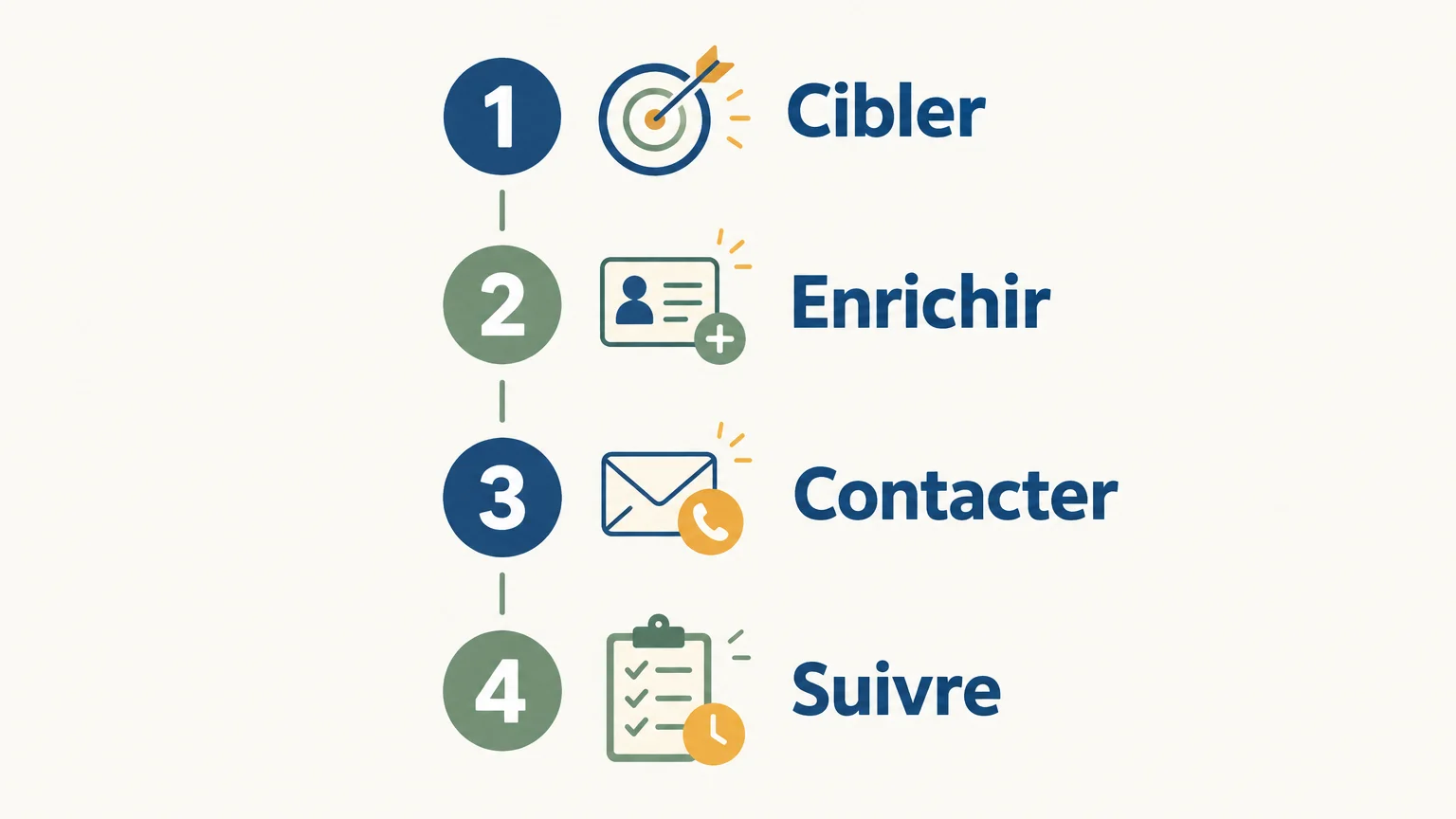
Before comparing subscriptions, define the task you want to improve. A team with an existing prospect list has different needs from a salesperson who spends time identifying profiles and keeping track of follow-ups.
- Clarify the need: targeting, enrichment, outreach, or reply tracking.
- Check the level of control: who reviews messages, who approves sending, and which steps are automated?
- Calculate the full cost: include licenses, credits, add-ons, and the number of users involved.
- Test a real segment: compare prospect quality, message relevance, and time spent on follow-ups.
If your team already uses several tools, also check how information moves from one stage to the next. A cheaper tool may require more manual work; a more comprehensive tool is only useful if its additional features fit your sales process.
LinkedIn automation and data: what should you watch out for?
A convenient sequence is not enough to establish whether its use is permitted. LinkedIn’s rules prohibit unauthorized third-party software and automated methods that access the service, send messages, or collect data. This applies to automation and scraping, whether offered through an extension or another environment. Tools that prepare an action and leave the decision to execute it to the user differ from automatic sending, but you should always check the specific method and applicable terms.
Collecting and using prospect contact details also comes with data protection obligations. The CNIL outlines the rules for direct marketing, including informing individuals and respecting their right to object, depending on the channel and context. In practice, provide a simple way to stop contacting anyone who objects.
If contact details come from a third-party database, the European Commission recommends checking that the data was obtained in compliance with the GDPR and can be used for marketing purposes. It also notes that individuals must be informed no later than the first contact and can object to direct marketing, as explained in its guidance on data received from a third party.
Article 21 of the GDPR gives individuals the right to object at any time to the processing of their personal data for direct marketing. Once they object, their data must no longer be processed for those purposes. Consult the GDPR text and set up a process for managing objections in your tracking tool.
The right tool fits your prospecting process
Start by identifying the step that is holding your team back. Sales Navigator supports native targeting; Waalaxy and lemlist help structure sequences; Apollo and Clay address data and workflow needs. If you want to bring together research, message preparation and multichannel tracking, an integrated system can reduce friction between steps. Compare costs based on actual usage, monitor automated actions and keep your LinkedIn prospecting structured, with clear tracking of requests and replies.
Bring your LinkedIn prospecting together
When research, message preparation and follow-ups are spread across several tools, keeping track becomes harder. Our prospecting agent prepares next steps based on your offering and brings LinkedIn, email and phone into a single inbox. Prepared actions remain subject to approval before they are carried out.
Try our LinkedIn prospecting solution with no credit card required. Once you have set up your account with LinkedIn or a connected email account and approved your first campaign, 500 credits are unlocked. Pricing is €80 excluding VAT for 1,000 credits, with a monthly volume you can adjust or cancel without a long-term commitment.
Frequently asked questions
What is the difference between Sales Navigator and a sequencing tool?
Sales Navigator is primarily used to find and track prospects on LinkedIn. A sequencing tool organizes outreach steps and follow-ups, depending on its features and the applicable rules.
Do you need multiple tools for LinkedIn prospecting?
Not necessarily. A specialized tool may be enough for targeting or sequences, while an integrated solution can bring several steps together if your team wants to spend less time switching tools.
Can you automate LinkedIn messages?
LinkedIn prohibits unauthorized automated methods for sending messages or accessing its services. Before enabling an automation feature, check the platform’s terms and how the tool works.
How should you compare LinkedIn prospecting tool prices?
Compare the cost per user, credits, add-ons and included channels. For usage-based pricing, also estimate the types of actions and data enrichment your team will use.
What should you check before using enriched contact details?
Check where the data comes from and the conditions under which it can be used. Inform individuals of the intended use and put a process in place to honor their objections to direct marketing.