

Incorrect data, a missed follow-up, or an inaccessible history can be enough to undermine a team’s work. If you are looking for reliable prospecting software for a team, start with the tasks you need to coordinate and the problems you want to avoid, rather than the number of features. To choose B2B prospecting software, compare data quality, control over actions, shared tracking, and pricing and terms.
Reliability is about more than service uptime. It also depends on data freshness, how team members work together, and whether you can see what was done, by whom, and when. A demo built around your use cases will tell you more than a long feature list.
What criteria should you check before choosing?
What should your team be able to verify before adopting a tool? Start with the criteria that affect everyday prospecting: accurate contact details, traceable actions, access to conversation context, and cost control. Add data security and ease of use, especially if several people will be using the software.
Define a test question for each criterion. For example: “Can we identify an invalid email address before launching a campaign?”, “Can a colleague pick up a conversation without asking its owner for context?”, or “Can we identify the cost of an action by channel?” These questions make trials comparable and help you avoid choosing a tool based solely on the impression a presentation leaves.
B2B prospecting software should also fit the way you work. A team that prospects by phone will assess a tool differently from one that relies primarily on email or LinkedIn. For an overview of the features to review, see our page on sales prospecting software.
Assess data quality using a sample

Imagine the tool provides a list of contacts matching your target audience. Before sharing it with sales reps, take a small sample and manually check job titles, companies, contact details, and the last updated date where available. Record any errors and check whether the software lets you correct, exclude, or flag the affected records.
Do not confuse contact volume with usable data quality. A useful database helps you understand where information comes from and identify what still needs verification. Also ask how duplicates are handled and what happens when an email address or phone number cannot be enriched. During the pilot, track a few simple metrics: verified records, incorrect contact details, duplicates, and time spent correcting data.
The test should replicate a real task, using profiles the team actually wants to contact. If the results fall short or are difficult to verify, ask for more details about sources, updates, and correction processes before rolling the tool out to the whole team.
Stay in control of messages and follow-ups
Consider a team preparing personalized messages for a new prospect list. A reliable process makes the information used to personalize each approach visible and lets sales reps review it before sending. Also check whether follow-ups are clear and editable in light of direct marketing rules, and whether the team can stop a sequence when a prospect replies or asks not to be contacted again.
During a trial, have team members review several actions suggested by the software. Everyone should be able to distinguish between what is ready, what is awaiting approval, and what has already been carried out. Human approval does not get in the way of automation: it helps you retain control over tone, relevance, and timing.
Our agent prepares prospecting actions and presents them individually for approval before executing them. This approach can suit teams that want to reduce repetitive tasks while staying in control of their conversations.
Make sure everyone can follow prospect activity
Imagine a sales rep is absent and a colleague needs to take over an ongoing conversation. They need to find previous exchanges, completed follow-ups, and next steps without piecing together the history from several tools. Test shared prospect tracking with multiple user accounts, and check access permissions and the information visible to each role.
Centralizing activity can also reduce context switching between channels. Check the specific channels your team uses and ask how conversations, contact details, and notes are brought together. Our prospecting workspace brings LinkedIn, email, and phone together in a single inbox with a shared history. For more on organizing tasks and conversations, read our article on sales prospecting management software.
Review security and data management
What personal data does the software process, where is it hosted, and who can access it? Ask the provider for precise answers about data location, encryption, retention periods, deletion, subprocessors, and access management. Also review the contractual documents and the guidelines that apply to your own campaigns.
Do not settle for broad labels such as “secure” or “compliant.” Look for concrete, verifiable information relevant to your organization. Teams can ask, in particular, where data is hosted and whether it is used to train public models. Our service states that data is hosted in Switzerland and the European Union, encrypted in transit and at rest, and not used to train public models.
Test ease of use with a real task
For example, ask two or three future users to complete the same task: find prospects matching a defined target audience, prepare an approach, then log the outcome and hand over the follow-up to a colleague. Observe where they hesitate, what they need to enter manually, and whether everyone can easily find the shared context.
A tool that works for an individual will not necessarily meet a team’s needs. Assess onboarding, role management, access to histories, and the ability to take over an action already in progress. If you run a small business, our guide to prospecting software for small businesses can help you identify the criteria that matter to a lean team.
Calculate costs based on actual usage
A fixed monthly plan and an action-based plan cannot be compared on headline price alone. Estimate your prospecting volume by channel, check what is included, and note any additional costs, usage limits, and cancellation terms. The person approving the budget should be able to understand the total cost clearly.
Our pricing is credit-based: 1,000 credits cost €80 excluding VAT. A LinkedIn action card uses 1 credit, an email card with an enriched and verified address uses 3, and a phone card with an enriched number uses 9. No credits are charged when enrichment fails. You can adjust or cancel your monthly credit allocation at any time, with no commitment. These details help a team estimate its budget based on its channels and actual activity.
Use a test scorecard before deciding
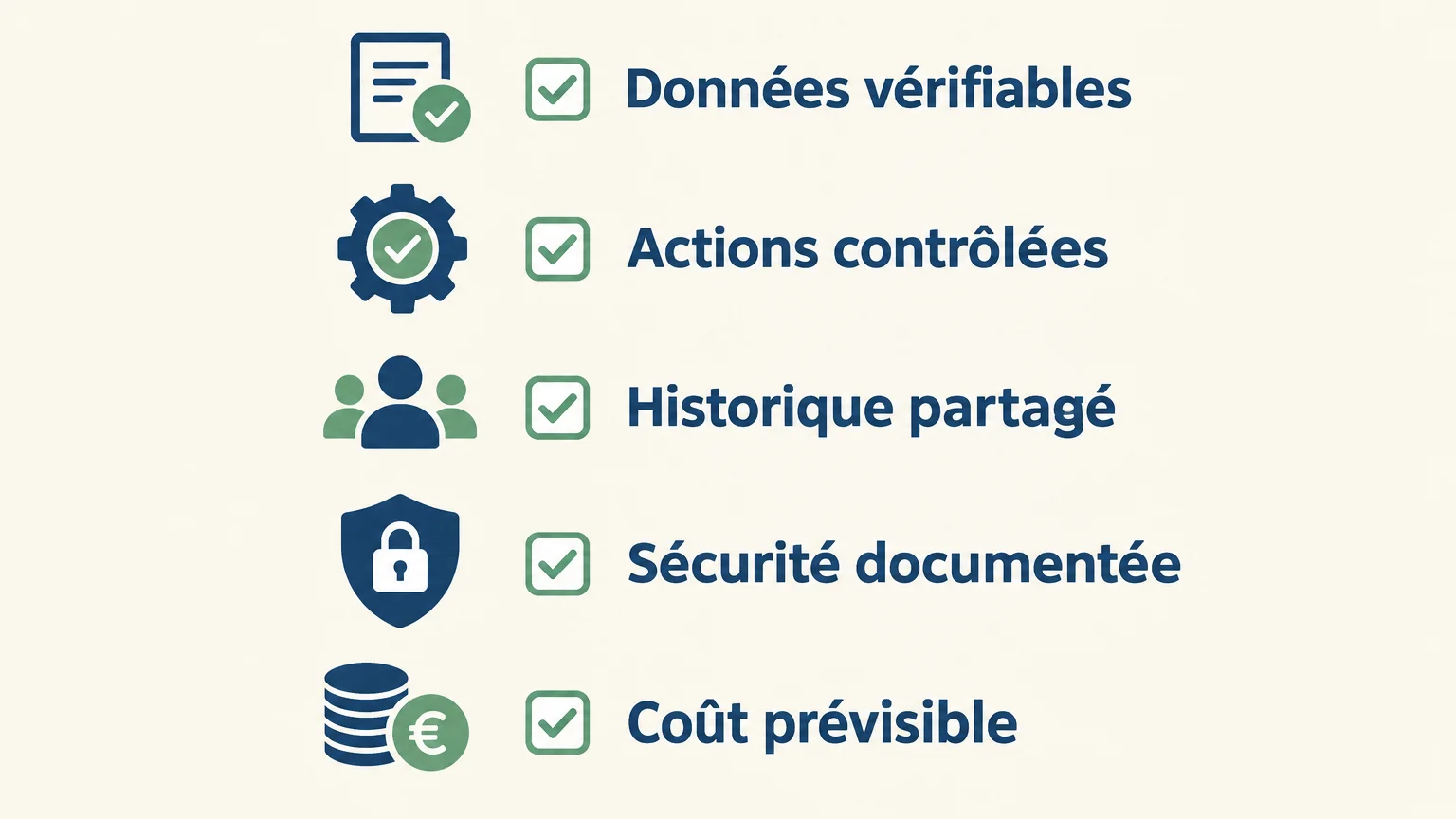
Before making a decision, run a pilot around a representative use case. Ask users to test the same workflow and record their observations in a shared scorecard. This step highlights the gaps between a demo’s promises and everyday use, without requiring you to compare every feature on the market.
- Verifiable data: contact details can be checked and errors identified.
- Control over actions: messages and follow-ups remain clear and editable.
- Shared history: a colleague can pick up a conversation without losing context.
- Documented security: answers about data are precise and verifiable.
- Predictable costs: the team understands what triggers billing and can estimate its usage.
Then ask the people who will use the tool, along with the person responsible for data and budget, to score each criterion. If an answer remains unclear, keep it as an issue to resolve before rollout rather than treating it as a favorable assumption.
Choose a reliable tool for teamwork
Prospecting software that fits your team makes data verifiable, actions easy to understand, and prospect activity accessible to the relevant colleagues. Test these points in a real workflow, verify the security answers, and estimate costs based on your channels and volume. A decision grounded in everyday use will be stronger than one driven solely by the length of a feature list.
Evaluate a tool against your use cases
Testing a real prospecting workflow gives a team a practical way to assess data quality, control over actions, and continuity of follow-up. Our agent prepares actions and centralizes conversations in a shared inbox.
You can start with a free trial, with no credit card required. Once you have set up your account with LinkedIn or email connected and approved your first campaign, 500 credits are unlocked. Your credit allocation can be adjusted or canceled with no commitment. To explore our sales prospecting software, review the offer and check whether the way it works meets your team’s needs.
Frequently asked questions
How can you tell whether a tool’s data is reliable?
Review a sample of records matching your target audience and check contact details, duplicates, and any available last updated dates. Also ask how to flag or correct inaccurate data.
Should prospecting software support human approval?
Approval is useful when the team wants to review messages or check follow-ups before they are carried out. Test how pending, approved, and completed actions are displayed.
What should you check for teamwork?
Check that the relevant people can find the conversation history, context, and next steps. Test whether a colleague who did not start a conversation can take it over.
How do you assess a prospecting tool’s security?
Ask for precise information about hosting, encryption, access, data retention, and deletion. Review the contractual documents and the provider’s answers before rollout.
Can you try GetCalls before choosing?
Yes, the free trial requires no credit card. Setting up your account and approving your first campaign unlocks 500 credits.