
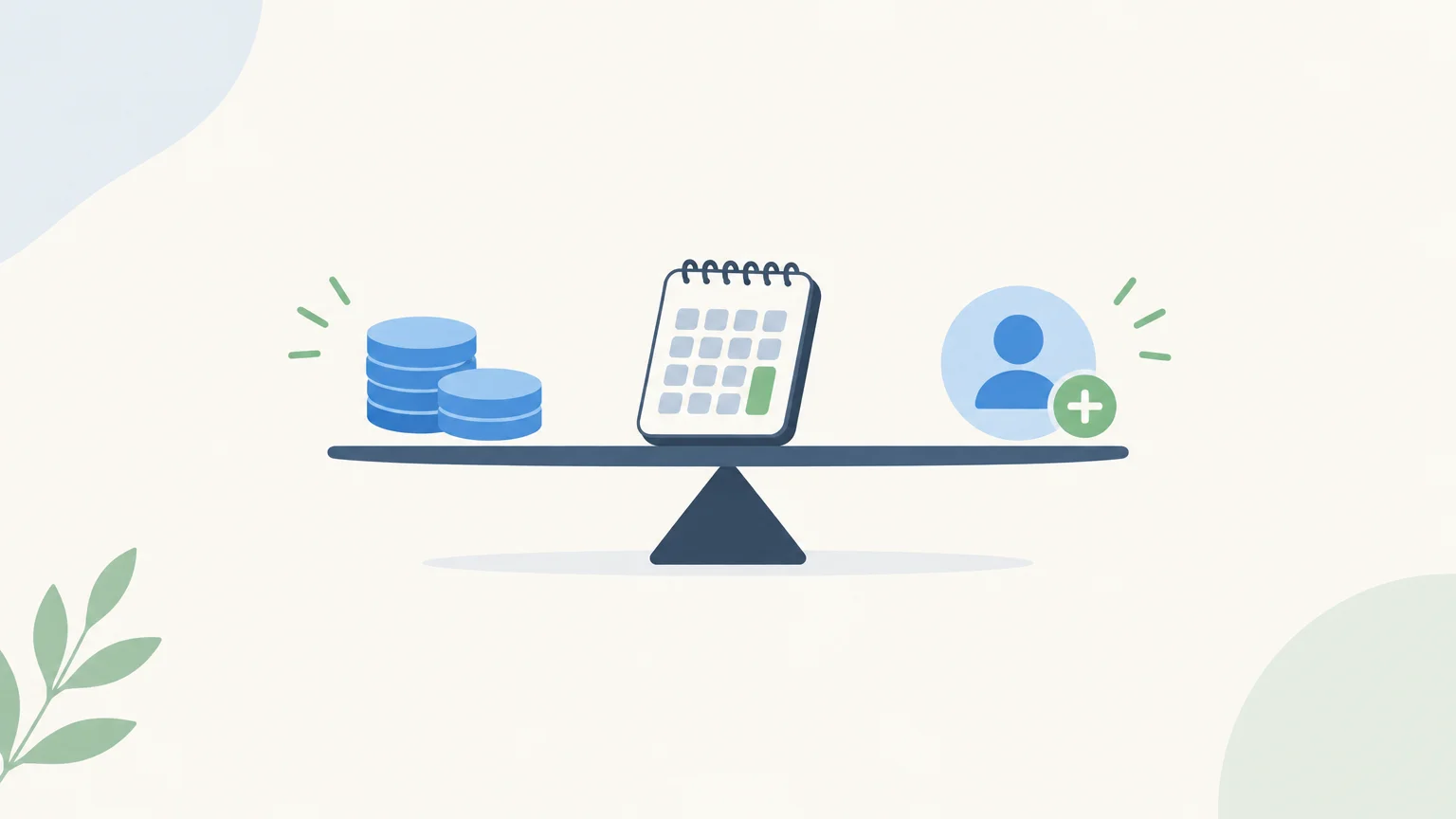
Two tools with the same monthly price can meet very different needs. Before choosing from sales prospecting software options, check what you are actually paying for: each user, a volume of contacts, credits consumed or a set of features.
The right benchmark depends on how you use the software. A small team that prospects occasionally will have a different budget from a team that enriches contact details and reaches prospects across multiple channels. The price of sales prospecting software should therefore be compared using a concrete scenario: number of users, monthly actions and required services.
Pricing starts with the billing unit
Why is a monthly subscription price not always enough to compare two offers? Because one may charge per user, another by data volume, and a third may combine a fixed fee with usage-based charges. The starting price tells you neither how many actions are included nor which limits trigger extra costs.
Per-user pricing is easy to budget for: the cost grows with your team. Usage-based pricing instead charges for units consumed, such as credits, searches or enriched contact details. Tiered plans provide a set of features and usage allowances, while a hybrid model combines a subscription with usage-based charges.
A compilation published by the Business Development Bank of Canada in May 2022 compared business software costs, including CRM costs, across different billing units. It offers historical context on the variety of pricing models, not a current price list for prospecting software. The BDC study highlights the value of checking the billing unit before comparing prices.
Which pricing benchmarks can help you compare?
For a small team, a per-user plan can make budgeting easier. But sales management software prices do not automatically reflect the cost of a dedicated prospecting tool: they may cover a different set of features.
As a related benchmark, Apogea’s pricing guide puts entry-level CRM subscriptions in 2026 at €10–€30 per user per month, plans for SMEs at €30–€80, and advanced plans at €100–€200 or more. These ranges apply to CRMs and do not represent market averages for prospecting software. The 2026 pricing guide also highlights how the feature set affects the final cost.
To compare prospecting plans, ask what each tier includes: sourcing, enrichment, sequences, contact limits, available channels and tracking features. A tool focused on one channel and a platform covering several stages cannot be compared on starting price alone.
Calculate the total cost, not just the subscription
What should you add up to build a realistic budget? Start with the recurring software fee, then add any charges that may apply to your setup. These could include extra credits, add-ons, additional users, paid setup or support services.
The cost of the software is not necessarily the cost of implementing it. Apogea’s CRM guide separates subscription fees from scoping, configuration, data migration and training costs. For a prospecting tool, similarly check whether activation and the services your team needs are included or billed separately.
Also factor in the time spent on tasks the tool does not handle: preparing lists, checking contact details, writing messages or tracking replies. A cheaper subscription may require more manual work. To compare two setups, estimate the full monthly cost and the cost per prospect successfully enriched or contacted.
Usage-based pricing: check the cost of each action
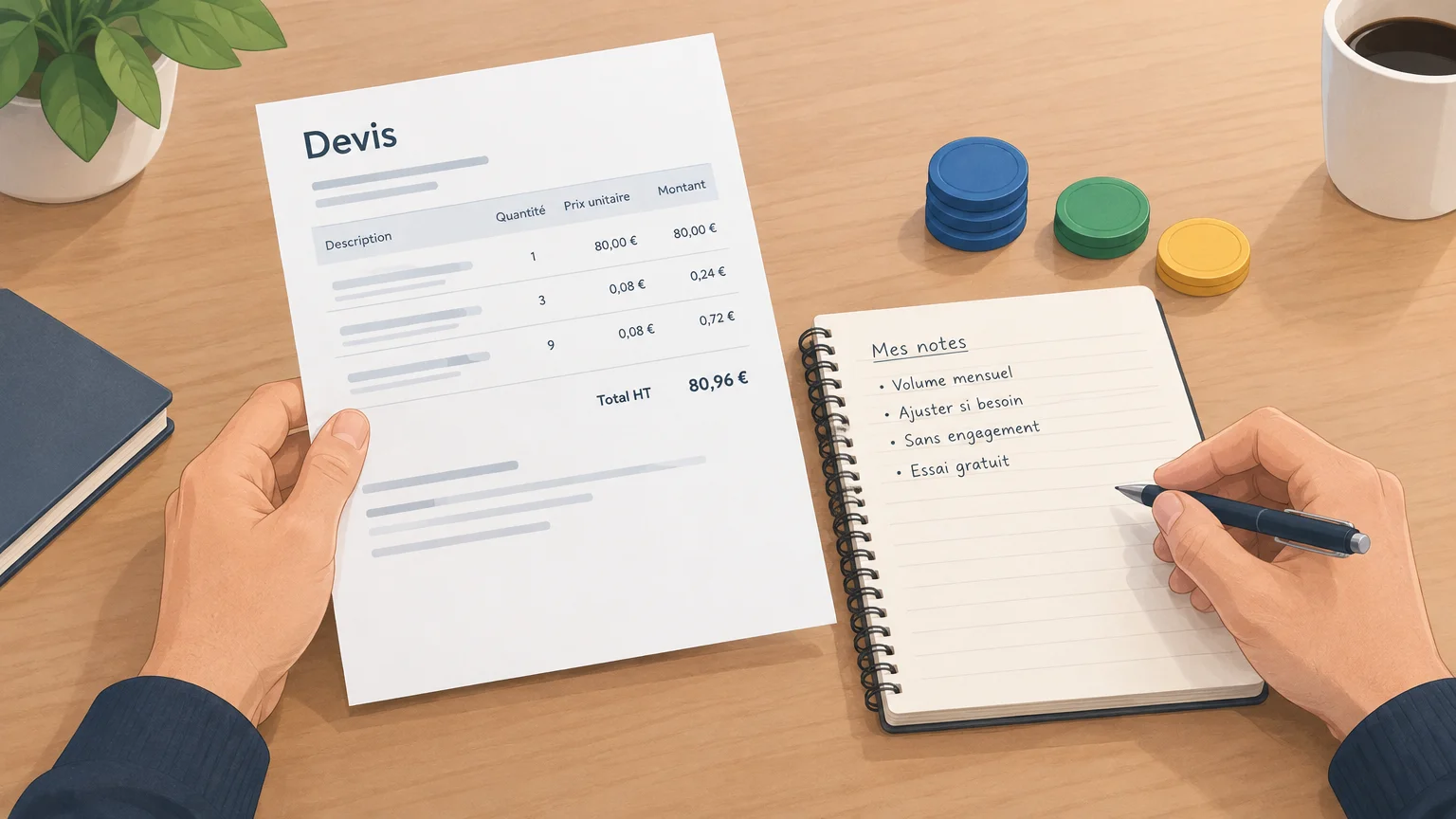
At GetCalls, we charge for prospecting based on usage: 1,000 credits cost €80 excluding VAT, or €0.08 per credit. A LinkedIn action record uses 1 credit, an email record with an enriched and verified address uses 3, and a phone record with an enriched number uses 9. If enrichment fails, no credits are charged.
For example, 100 LinkedIn records, 100 enriched email records and 50 phone records use 850 credits, costing €68 excluding VAT. This example shows why your budget depends on the mix of actions, not just the number of prospects on a list.
Credit usage raises a broader question than the subscription price: what unit of data or service are you actually buying? An academic study published in 2021 examined data pricing in commercial marketplaces. This study on data pricing covers data markets, not prospecting software price lists.
You can change your monthly GetCalls volume or cancel at any time, with no commitment. To compare tracking and centralization features, also read our article on sales prospecting management software.
A checklist for choosing the right plan
Before committing, start with a typical month of prospecting. Note your activity volume, the channels you use and where you want to save time, then check these five points in the pricing table or quote:
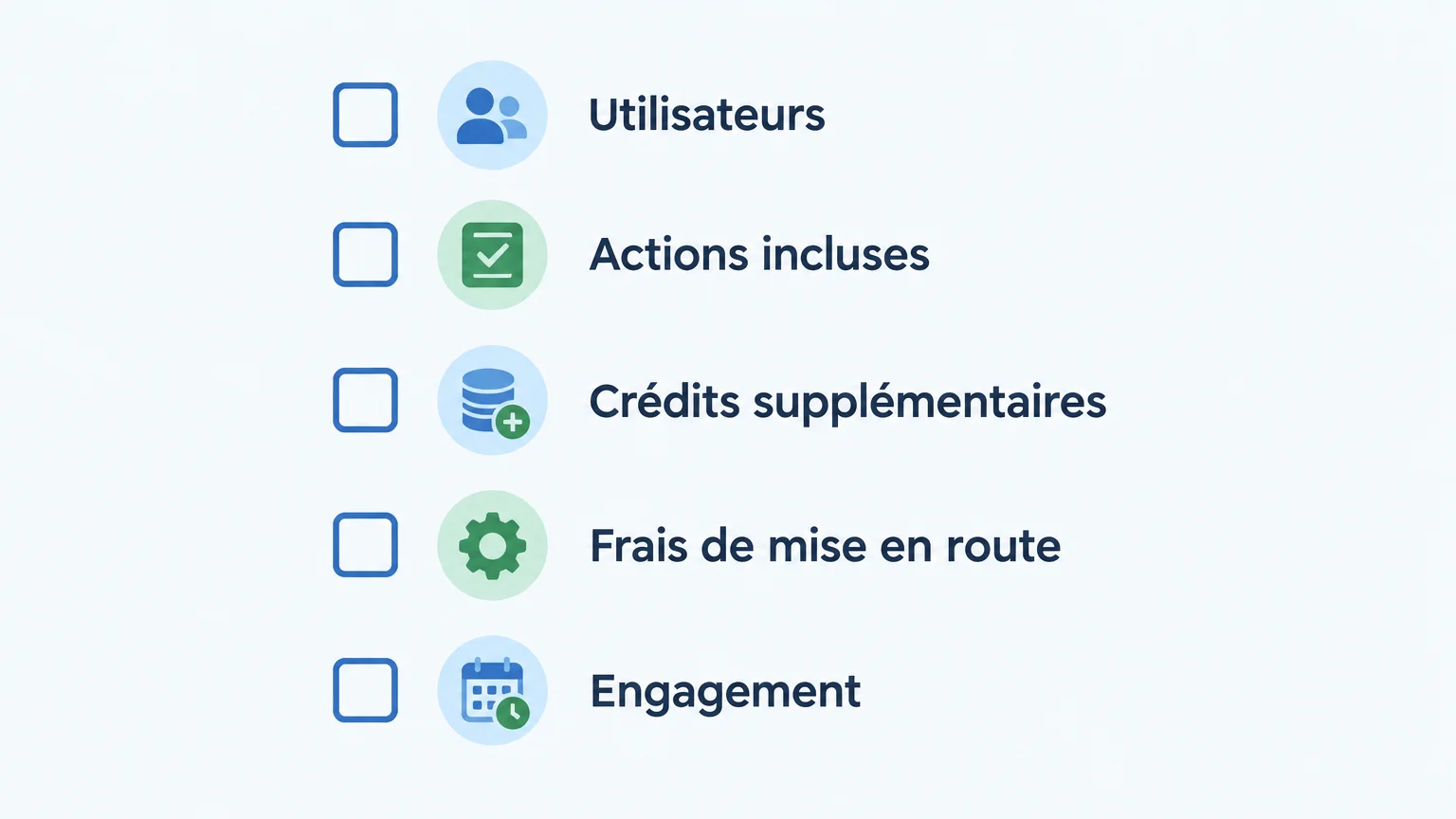
- Users: can the number of licenses scale with your team?
- Included actions: how many searches, contacts or operations are included?
- Extra credits: how much do they cost, and do they expire?
- Setup fees: are installation, training or data imports billed separately?
- Commitment: does the price depend on annual payment or a minimum term?
For a small business, the deciding factor is often the actual spend needed for the planned volume, rather than the largest possible feature set. Our selection of the best prospecting software for small businesses can help you explore this further if you are comparing tools for a small team.
Finally, test the tool on a limited segment before choosing an annual plan. Measure the actions actually used and the time your team still spends on research, preparation and follow-up. This makes it easier to compare offers on a like-for-like basis.
Finding the right price beyond the advertised rate
To compare the cost of prospecting software, assess each offer against your usage: users, action volume, enriched data and essential services. Per-user plans make forecasting easier, while credits tie spending more closely to the operations performed. In both cases, check for additional fees and test your real-world scenario before committing.
Evaluating a usage-based prospecting model
If a significant share of your budget goes into finding contacts and following up, compare the billing units with the actions that actually help your team. Calculating costs from your monthly volume makes it easier to judge whether usage-based pricing suits your business.
At GetCalls, the free trial requires no credit card. Once your account is set up, LinkedIn or email is connected and your first campaign is approved, 500 credits are unlocked. Pricing is €80 excluding VAT for 1,000 credits, and you can change your monthly volume or cancel at any time, with no commitment. To explore this option, discover our sales prospecting software.
Frequently asked questions
How much does sales prospecting software cost?
There is no single price: costs depend on users, features and usage volume. Compare costs using the same usage scenario.
What is the difference between per-user and credit-based billing?
Per-user billing is tied to the number of people accessing the software. Credit-based billing depends on the actions performed or data consumed.
Which additional fees should you check?
Check setup, training and data import fees, as well as add-ons and extra credits. Also review the minimum commitment and renewal terms.
How do you compare two prospecting tools?
Compare their feature sets and the cost of the same month of activity, taking user numbers and action volume into account. Also estimate how much manual work your team will still need to do.
How does GetCalls pricing work?
At GetCalls, we use credit-based, usage-based pricing, with credit consumption depending on the type of action. You can change or stop your monthly volume with no commitment, and the free trial lets you test the service before choosing a volume.