
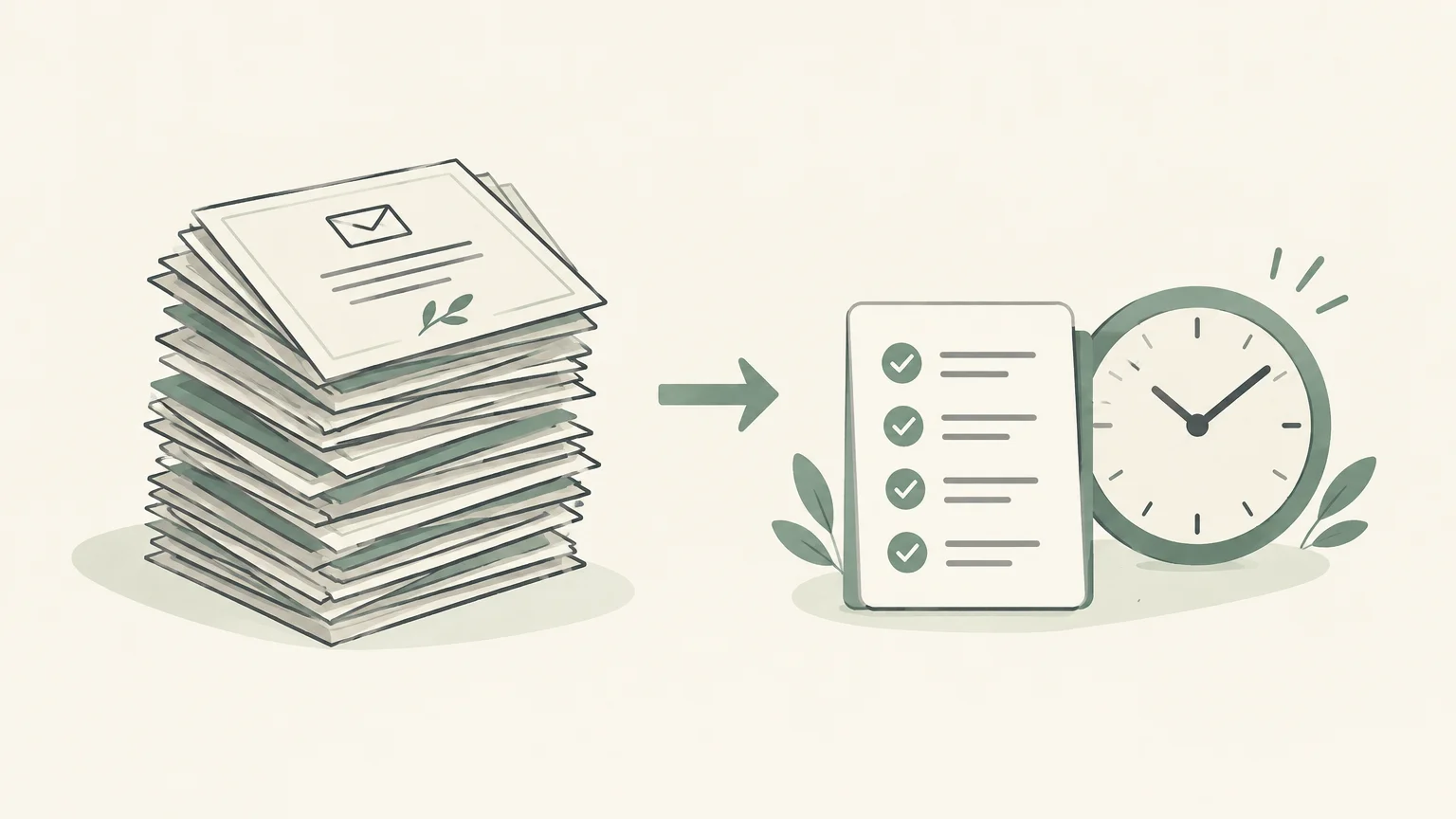
How much time does your team spend finding profiles, checking their relevance, and sending requests one by one? Automation can ease that workload, as long as you do not confuse speed with quality. To organize the work around these invitations, also explore our page on LinkedIn prospecting.
Saving time by automating LinkedIn invitations is primarily about eliminating repetitive tasks and making more room for meaningful conversations. A well-prepared campaign starts with clear criteria, uses an approach tailored to its audience, and leaves a person in charge of handling replies. Automated sending alone does not make outreach more relevant.
Why automate invitations without sacrificing quality?

Sending an invitation takes only a few seconds. The time adds up around it: finding profiles, checking their role and company, deciding why to reach out, tailoring the note, and remembering to track replies.
An automation tool can handle part of this routine, such as organizing a list or running an invitation sequence. The value lies in freeing up time for decisions that matter: choosing the right people, responding to someone who is interested, and stopping an approach that is no longer appropriate.
This distinction keeps automation from becoming an end in itself. An invitation sent to someone outside your target audience is still a poor invitation, even if sending it requires no manual clicks. To compare the types of tools that can support this work, explore our selection of LinkedIn prospecting tools.
Prepare your targeting and message before sending
A focused list saves more time than a long list you have to sort through later. Start by defining your target roles, industry, company size, and geographic area. Where useful, add a contextual criterion, such as a recent post or attendance at a professional event.
The LinkedIn Talent Solutions guide published in 2025 emphasizes organizing your talent pool and personalizing messages. These principles also apply to invitation campaigns: record your reason for reaching out and check that each profile genuinely meets your chosen criteria. The LinkedIn Talent Solutions guide specifically highlights the value of personalized outreach.
Next, prepare a short message explaining why you would like to connect, without turning the request into a sales pitch. For example: “Hi Léa, I read your post about structuring B2B sales. I work with sales teams on this topic and would be happy to connect.” Replace the reference with a genuine detail, not a variable that merely creates the appearance of personalization.
To save time without making every invitation identical, write a template for each segment and include a field to review before sending. Useful personalization mentions a specific, relevant fact. Automatically inserting a first name or company name is not enough if the rest of the message could be sent to anyone.
Distinguish connection requests from Page invitations
The word “invitation” covers several actions. A connection request comes from a personal profile and aims to join another member’s network. An invitation to follow a LinkedIn Page, by contrast, aims to grow that Page’s follower count. Automated Page follow invitations, where available, should therefore not be confused with sending connection requests for prospecting.
There are also follow-up automations that take place after an initial contact. For example, LinkedIn documents scheduled messages in Recruiter for candidates who have not replied to an initial message. This feature applies to recruitment conversations, not connection requests from a sales professional’s profile. The distinction is reflected in the overview of scheduled follow-ups in Recruiter.
Before setting up a sequence, clarify the action you want to take: connect two profiles, invite someone to follow a Page, or prepare a follow-up after a conversation. This helps you avoid choosing a tool or setting that does not meet your actual needs.
Stay in control of pacing and actions
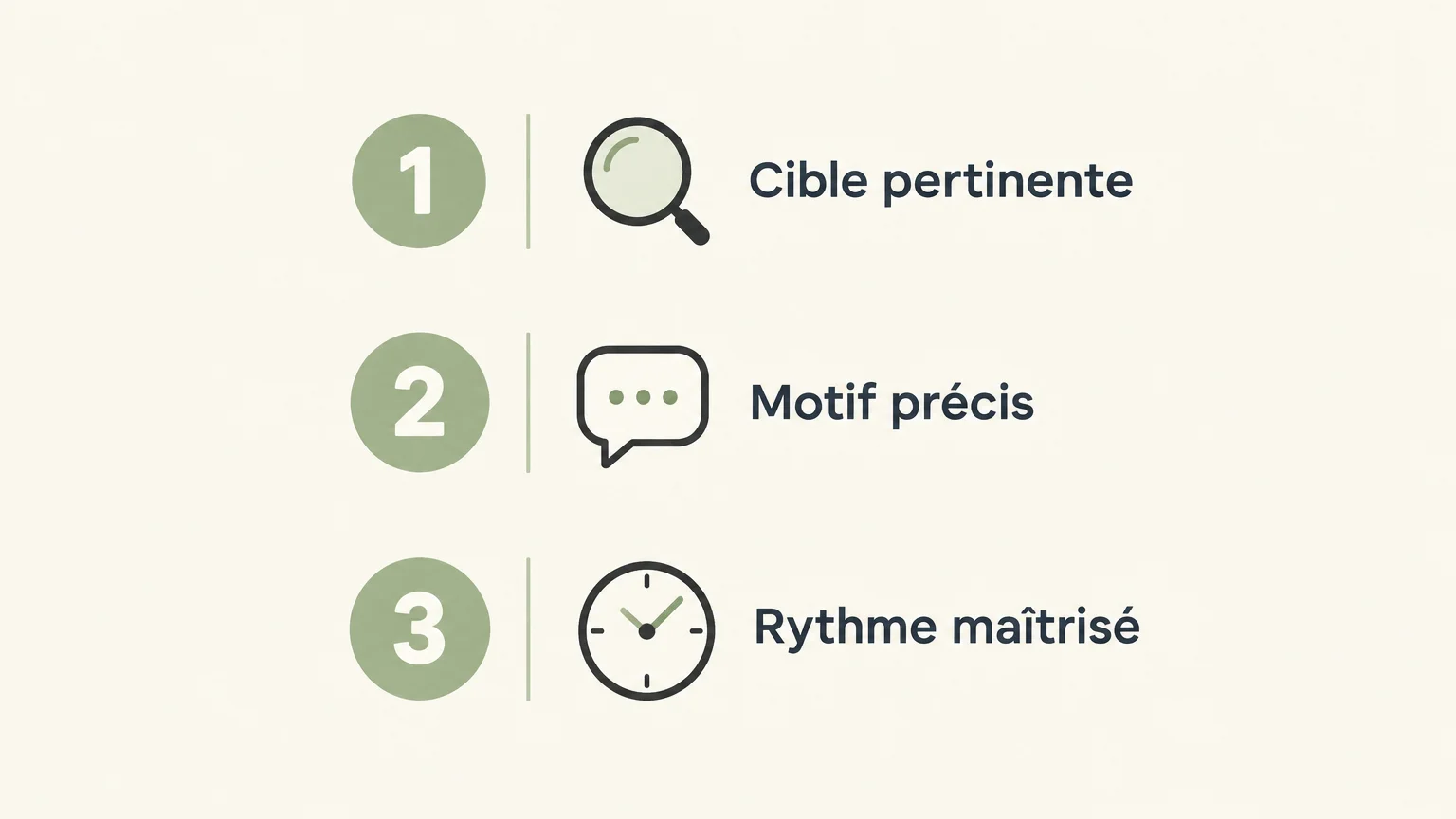
Before launching a campaign, check the rules and limits that apply to the account you are using. These can change, and a paid subscription does not mean connection requests are unrestricted. Avoid setting a volume simply because a tool allows you to reach it.
Start at a pace you can manage and monitor. Regularly review sent invitations, replies, and requests that are still pending. If contacts are not engaging or invitations remain unanswered, revisit your targeting and message before increasing volume.
Also decide in advance who handles replies and when a sequence should stop. Automation can organize the work, but it should not keep pursuing someone after a refusal or a reply that calls for a personal conversation. Limited volumes and regular oversight help you retain that control, but do not guarantee protection against platform restrictions.
Measure time saved and conversation quality
A high number of sent invitations does not prove a campaign is valuable. Instead, track a few metrics tied to your goal: time spent preparing lists, the proportion of genuinely relevant profiles, acceptances, replies, and conversations that move forward.
Compare similar segments and change only one element at a time. For example, you can test two message variations with two comparable groups, then assess whether replies are more relevant, not just more numerous. Keep the messages that open useful conversations and drop those that generate acceptances with no further engagement.
In 2026, the LinkedIn Sales Navigator product page features AI-assisted message drafts based on prospect information. The feature is listed as being in public beta, with availability limited to certain plans and languages. These AI-assisted drafts illustrate how AI can help prepare messages, not a reason to automate every invitation indiscriminately.
If research, preparation, and follow-up still take up too much of your time, we can also organize these tasks beyond LinkedIn. Our article on automated prospecting explains how to approach this work as part of a broader strategy.
Key takeaways for saving time
Automated invitations are useful when they reduce repetitive tasks without expanding your audience at random. Define your target profiles, prepare a genuine reason for reaching out, check your sending pace, and handle replies thoughtfully. Measure conversation quality as closely as time saved: it shows whether your workflow is truly helping your prospecting efforts.
Automate invitations without losing track
If your challenge goes beyond sending connection requests to include finding prospects, preparing outreach, and tracking conversations, we can bring these steps together in a single workflow. Discover how to automate your prospecting while leaving room for sales judgment and human conversations.
With GetCalls, LinkedIn invitations can be automated while volumes remain limited. AI-prepared actions are presented individually for approval before execution. You can start with a trial that requires no credit card: 500 credits are unlocked after you connect LinkedIn or email and approve your first campaign.
Frequently asked questions
Does automating LinkedIn invitations really save time?
It reduces repetitive tasks, such as organizing a list and sending requests. The benefit depends mainly on the time freed up to target the right people and respond to those who are interested.
Should you add a note to every connection request?
No. Decide based on the context and your reason for reaching out. If you add a note, mention a specific, verifiable detail rather than using generic wording.
Is an invitation to follow a Page a connection request?
No, they are two distinct actions. The first aims to grow a Page’s followers, while the second invites a member to join a personal profile’s network.
How can you limit the risks associated with automation?
Check the rules and limits that apply to your account, start at a manageable pace, and monitor pending invitations. Revisit your targeting if response rates are low rather than automatically increasing volume.
Can GetCalls help automate invitations?
Yes, LinkedIn invitations can be automated in GetCalls, with limited volumes. Other AI-prepared actions are presented for approval before execution.