
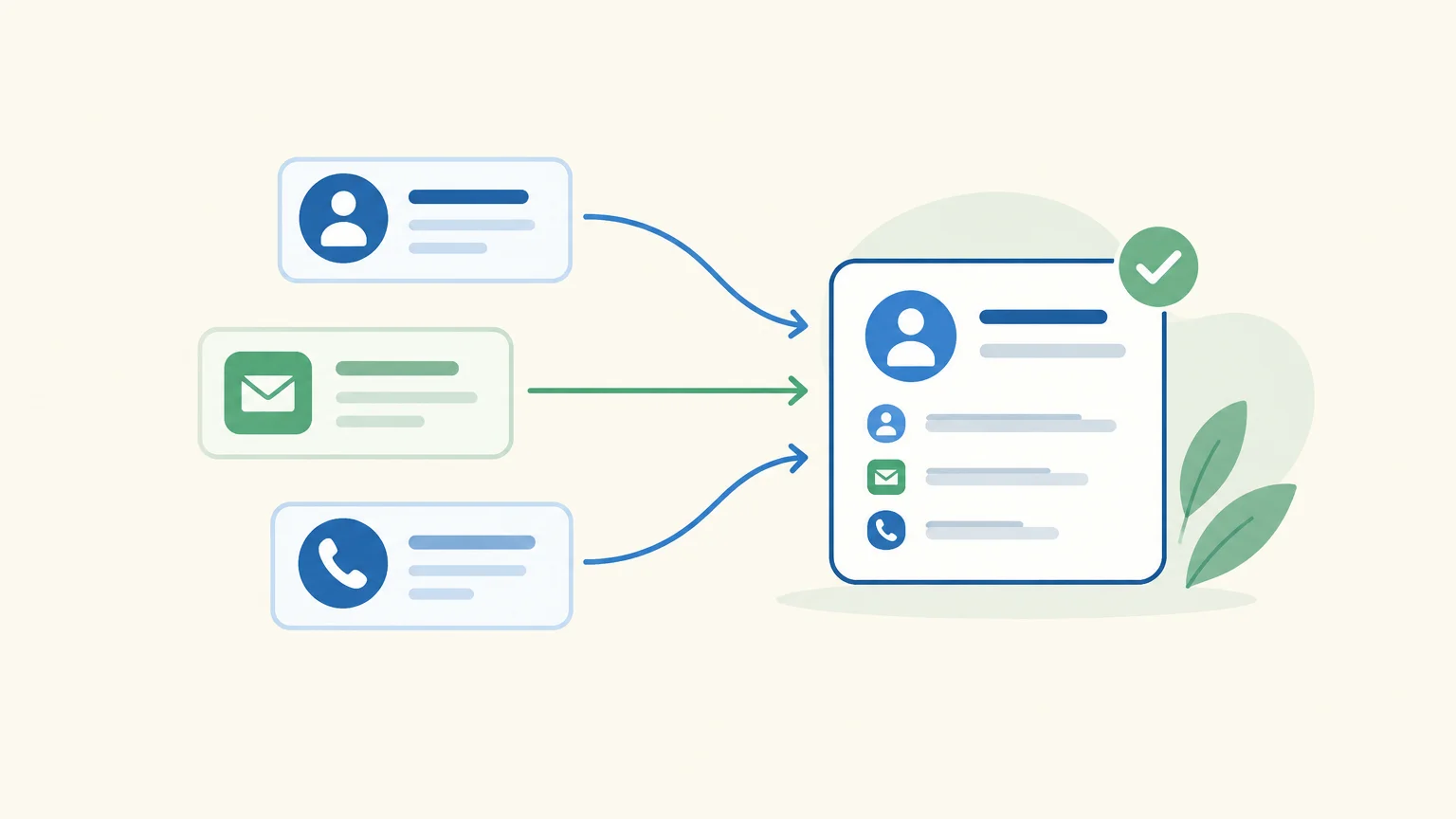
Does your team spend more time finding contacts, preparing messages, or following up with prospects than talking to them? Choosing sales prospecting software starts with that priority task and the way you sell. To distinguish sequence-focused solutions from those that cover more of the process, start with this overview of B2B prospecting software.
A useful tool is about more than its feature list. It needs to fit the way your team actually works, support the right channels, and keep your data usable over time. France Num recommends documenting your needs, goals, and existing tools before choosing a solution. This starting point helps you avoid paying for capabilities that do not fit your process. See the France Num guidelines to help structure your selection process.
Why does human oversight matter in an automated workflow?

Imagine a tool that drafts a message after identifying a prospect. Automation speeds up research and preparation, but your team still needs to check that the contact fits your target audience and the approach is relevant. To automate sales prospecting without confusing speed with automatic sending, check which actions are prepared, which run automatically, and which require approval.
In our solution, AI-prepared actions are presented individually for approval before execution. LinkedIn invitations, however, can be automated. This distinction matters if your process requires message reviews or oversight of next steps. It keeps the sales representative responsible for the relationship, prospect conversations, and follow-up decisions.
What criteria should you compare before choosing?
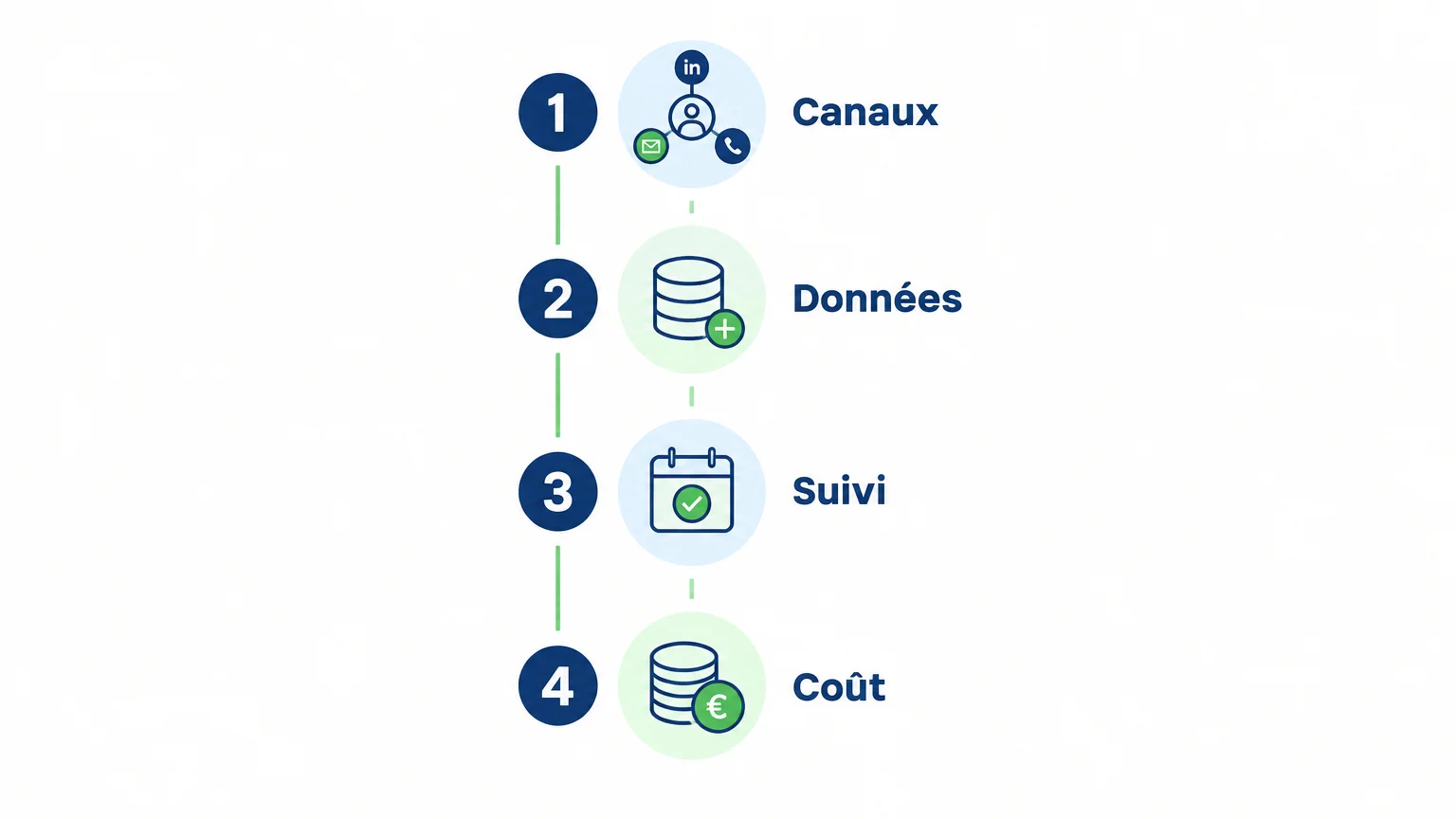
A small team that prospects mainly by phone will have different needs from a B2B team that alternates between email and LinkedIn. To compare sales prospecting tools, first identify the steps that slow your outreach down, then assess solutions against these criteria:
- Process coverage: does the tool help you find prospects, enrich their records, prepare outreach, follow up, or track replies?
- Channels: does it focus prospecting on one channel, or support several channels your team needs?
- Data: check the available fields, enrichment options, and how inaccurate information can be corrected.
- Tracking and collaboration: can the relevant people see the history, replies, and next actions?
- Automation and oversight: distinguish between automated tasks, actions that are only prepared, and those that require your approval.
- Actual cost: compare pricing against contact volume, users, any credits required, and the features you need.
Implementation is also part of the decision. The solution should fit your goals, existing tools, and team practices—not just the needs discussed during a demo. For personal data, check accuracy, relevance, and retention periods: these are GDPR principles highlighted by the European Commission.
Which solutions fit these needs?
A team that wants to keep its existing sequences will not necessarily look for the same tool as a company seeking to bring research, enrichment, and tracking together. The table below presents options based on their approach. It is not a universal ranking: the first solution is our recommendation when you need a multichannel prospecting workflow, from research to follow-up.
| Solution | Main approach | Channels or scope | Consider it if |
|---|---|---|---|
| GetCalls | Prospecting preparation and tracking in a single workflow | LinkedIn, email, and phone | You want to bring several stages together while retaining approval of prepared actions |
| Lemlist | Prospecting through multichannel sequences | Email, LinkedIn, and calls depending on the plan | You want to orchestrate campaigns and follow-ups |
| Waalaxy | LinkedIn-focused prospecting | LinkedIn and email | LinkedIn plays a major role in your customer acquisition |
| Integrated B2B data, research, and prospecting | Contact discovery, enrichment, and campaigns | You are looking for a platform that combines data and engagement | |
| Reply | Sequence-based sales engagement | Email, LinkedIn, calls, and other channels depending on the workflow | You want to build multichannel outreach journeys |
| Clay | Data enrichment and workflow orchestration | Data, research, and actions connected to existing tools | You need to build workflows using multiple sources |
GetCalls
Best for: teams that want to bring together research, enrichment, outreach preparation, and conversation tracking across multiple channels.
We offer a prospecting agent that analyzes your company's offering to define an ideal customer profile, finds prospects, enriches their contact details when available, and prepares messages and follow-ups. LinkedIn, email, and phone are brought together in a single inbox with a shared history. This approach can suit a small organization looking to reduce manual work, particularly if it needs prospecting software for small businesses.
Pros:
- A workflow that covers multiple stages, from sourcing to conversation tracking.
- AI-prepared actions are submitted for approval before execution.
- Usage-based pricing: €80 excluding VAT for 1,000 credits, with costs varying by action type. Monthly volume can be changed or stopped with no commitment.
- No credit card is required for the trial. The 500 credits are unlocked after you set up your account with LinkedIn or email connected and approve your first campaign.
Cons:
- Costs depend on your mix of actions: a LinkedIn record uses 1 credit, an enriched and verified email record uses 3 credits, and an enriched phone record uses 9 credits. You therefore need to estimate your intended channels and level of enrichment.
Lemlist
Best for: teams that run sequence-based prospecting campaigns and want to combine multiple channels.
Lemlist organizes prospecting sequences across email, LinkedIn, and phone, with a unified inbox and automated follow-ups. The solution also lets you add manual steps to a campaign, giving your team opportunities to step in rather than automate everything.
Pros:
- A campaign journey that combines multiple channels.
- Reply management in a shared inbox.
- The option to include manual steps in sequences.
Cons:
- According to the subscription terms reviewed, LinkedIn steps and calls require the Multichannel Expert plan or higher. Check which features are included before comparing prices.
Waalaxy
Best for: teams that use LinkedIn as their main prospecting channel and want to structure invitations, messages, and follow-ups.
Waalaxy focuses on LinkedIn campaigns and also offers email steps. Teams can organize imported profiles into lists and use sequences to schedule actions. Its value therefore depends largely on LinkedIn's role in your sales process.
Pros:
- An approach built specifically around LinkedIn prospecting.
- Sequences to organize invitations, messages, and follow-ups.
- The option to supplement some campaigns with email.
Cons:
- It is a less obvious choice if LinkedIn is not a key channel for your team. In that case, assess how well its campaigns fit your actual multichannel process.
Best for: teams that want to combine B2B contact research, data, and prospecting activities in one platform.
combines prospect and account discovery, contact enrichment, and sales engagement tools. Its scope may appeal to a team that wants to work from a database and launch actions from an integrated prospecting workspace.
Pros:
- Contact research and engagement features are brought together in the same platform.
- The solution supports data enrichment and prospect list building.
- Its scope is designed for teams that want to connect data with campaign execution.
Cons:
- This approach is most relevant if your team will actually use the combined data and prospecting features. For a narrowly defined need, compare its scope with that of a specialized tool.
Reply
Best for: sales teams that want to build and track multichannel sequences.
Reply positions itself as a sales engagement platform. It lets you organize outreach across email, LinkedIn, calls, and other channels depending on your chosen workflow, with personalized messages and an inbox that brings conversations together. This approach suits teams that want to coordinate multiple touchpoints in structured campaigns.
Pros:
- Sequences that can combine multiple channels.
- An inbox designed to centralize conversation tracking.
- Prospect discovery and enrichment features within its sales offering.
Cons:
- Compare its sequence-based approach with the way you work: if you prefer to approve each action individually, check that its oversight options meet that requirement.
Clay
Best for: teams that want to enrich data and build prospecting workflows using different sources.
Clay emphasizes data access, enrichment, and sales workflow orchestration. Its canvas lets you build processes tailored to your team's needs. This flexibility is useful when research or data processing requires custom logic, but its approach differs from a tool primarily designed to provide a ready-to-run sequence.
Pros:
- A configurable approach to connecting data, research, and sales actions.
- The ability to build workflows around your team's process.
- A strong focus on enrichment and account context.
Cons:
- Workflow configuration is part of the approach. Check the time and skills needed to build your intended process.
What rules should you check when prospecting in France?
Before launching a campaign, ask whether the message is genuinely relevant to the recipient's professional role. In France, the CNIL states that B2B prospecting may rely on legitimate interest when the outreach relates to the recipient's profession. Recipients must be informed and able to opt out easily and free of charge. The CNIL rules should therefore inform both your choice of tool and your team's procedures.
In practice, check how your team identifies the source of contact details, records opt-outs, and updates records. Enrichment is not an end in itself: more detailed data is only useful if it is relevant to your prospecting objective and properly maintained. Software makes operational tracking easier, but choosing which data to use and how remains the organization's responsibility.
Choose based on the work you need to do
The right prospecting software handles your key tasks without making sales work more complicated. A LinkedIn-focused strategy may favor a dedicated campaign tool; a team that wants to bring research, enrichment, messaging, and tracking together will benefit from comparing more integrated solutions. Before committing, test a real use case, check which steps are automated, and estimate costs based on your volume and channels.
Try a multichannel prospecting workflow
If your team wants to stop juggling prospect research, outreach preparation, and follow-ups, our agent brings these stages together in one workspace. AI-prepared actions still require approval before execution, keeping the sales representative in control of conversations.
You can start with a free trial, with no credit card required. Once you’ve set up your account with LinkedIn or a connected email address and approved your first campaign, you unlock 500 credits. After that, pricing is €80 excluding VAT per 1,000 credits, with the flexibility to adjust your volume or cancel at any time. Get started with our prospecting agent.
Frequently asked questions
What does sales prospecting software do?
It helps teams identify prospects, organize outreach and track responses. Depending on the tool, it may support one specific step or several stages of the prospecting process.
What’s the difference between a CRM and sales prospecting software?
A CRM primarily centralizes sales information and interactions. Sales prospecting software can add capabilities such as prospect research, data enrichment, outreach sequences or contact preparation, depending on its scope.
Should you choose a multichannel tool?
Choose one if your team actively reaches out to prospects across multiple channels and needs to coordinate follow-ups. If you mainly use one channel, a specialized tool may be a better fit for your workflow.
How do you compare the cost of sales prospecting tools?
Compare tools against the same requirements and usage volume, checking per-user limits, credits, included features and any add-ons you need. The subscription price alone won’t tell you the full cost of using the tool.
Can software send messages without human approval?
That depends on the solution’s features and settings. Check which actions run automatically and which require approval, then choose the level of control that suits your team.