
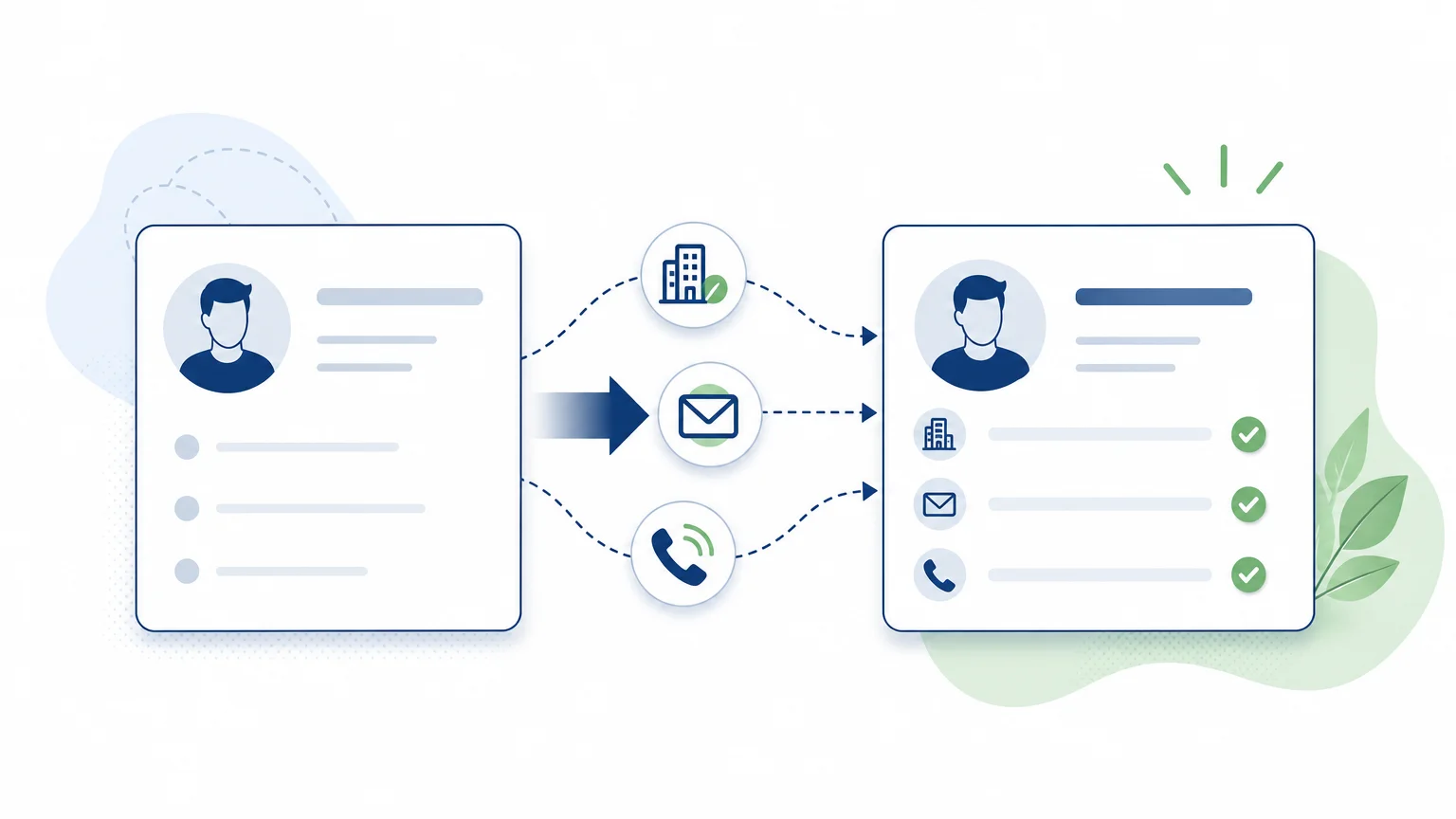
A found email address is not enough if it's incorrect, outdated, or impossible to link to a useful sales action. To choose a lead enrichment tool, start with your top priority: completing records, finding new contacts, or moving prospects forward after enrichment. Our lead sourcing and enrichment tools fit into this latter logic, linking research to subsequent steps.
The tools compared are not all data specialists: some combine a contact database with sequences, others orchestrate multiple providers, or integrate enrichment into a broader workflow. For B2B prospecting in France, also check the data's suitability for your target and applicable regulations. The CNIL specifies that professional email prospecting must be related to the recipient's activity, and the recipient must be informed and able to object to solicitations. Its rules for electronic communications provide a useful benchmark.
Comparison of Lead Enrichment Tools
| Rank | Tool | Primary Use | Enrichment and Workflow |
|---|---|---|---|
| 1 | GetCalls | Connect sourcing and prospecting | Available contact details, LinkedIn actions, email and phone in a single inbox |
| 2 | Combine B2B data and prospecting | Search, enrichment, and sales engagement in one platform | |
| 3 | Clay | Orchestrate multi-source enrichment | Workflows and cascading enrichment from data providers |
| 4 | Lemlist | Enrich contacts then reach out | Contact search, verification, and multi-channel campaigns |
| 5 | Waalaxy | Prospect from LinkedIn | Profile lists, email search, and LinkedIn and email sequences |
1. GetCalls

Ideal for: teams who want to connect lead generation, contact enrichment, and conversation tracking, rather than treating data as an isolated step.
GetCalls relies on a prospecting agent that analyzes a company's offerings to deduce an ideal customer profile, searches for prospects, and enriches their contact details when available. Prepared actions are organized around LinkedIn, email, and phone, in a shared inbox with a common history. Outreach approaches are presented for validation before execution. Enrichment is thus integrated into message preparation, follow-ups, and tracking, instead of stopping at list export.
The cost follows usage: 1,000 credits cost €80 excluding VAT. A LinkedIn action record uses 1 credit, an email record with an enriched and verified address uses 3, and a phone record with an enriched number uses 9. No credit is charged if enrichment fails. The free trial unlocks 500 credits after account setup and validation of a first campaign.
Advantages:
- Sourcing, enrichment, and sales follow-up are combined in a single flow.
- Enriched contact details are integrated into LinkedIn, email, and phone actions when available.
- Prepared actions can be reviewed and validated before execution.
Disadvantages:
- The number of prospects obtained varies depending on the chosen channels and enrichment level.
- LinkedIn volumes are limited; therefore, this approach is not designed to send an unlimited volume of invitations.
2.
Ideal for: teams looking to use a B2B database, enrich records, and manage prospecting activities from a broader platform.
combines contact and company search with enrichment and sales engagement tools. This combination can avoid transferring each list between a database and a sequencing tool. Credits are used for certain contact-related operations, so usage depends on the actions performed and data obtained. It's important to compare the platform's scope with your specific needs: completing existing contacts, building a list, or managing a broader part of prospecting.
Advantages:
- Search, data, and certain prospecting actions are grouped in a common environment.
- The solution can suit teams looking for international coverage and functions beyond just enrichment.
Disadvantages:
- The credit model requires tracking consumption, which varies based on the data searched and actions chosen.
- For a need limited to updating an existing database, the breadth of a complete prospecting platform might exceed the necessary scope.
3. Clay
Ideal for: teams who want to build enrichment workflows tailored to their criteria and combine multiple data sources.
Clay is used to organize search and enrichment steps in customizable workflows. Its multi-source approach allows configuring a cascade of providers, rather than depending on a single response. The tool distinguishes between data credits, used to access provider data, and actions, which measure work done within the platform. This separation offers flexibility to build precise processes, but requires understanding consumption rules and structuring the workflow beforehand.
Advantages:
- Workflows can chain multiple data providers and enrichment criteria.
- The solution is suitable for customized processes and large-scale data qualification.
Disadvantages:
- The distinction between data credits and actions requires monitoring two units of usage.
- Workflows need to be defined and maintained; this approach is less direct if you are only looking for a one-off contact search.
4. Lemlist
Ideal for: teams wishing to enrich contacts and follow up with multi-channel prospecting campaigns.
Lemlist combines contact search and enrichment functions with prospecting campaigns. Its credits are used to access data and certain functions, and are only debited when the relevant results are obtained. This logic connects data to its activation: an email address or number found can be used to prepare outreach in the same environment. Check the credits included in the proposed plan and the costs of planned searches, especially if your volume varies from month to month.
Advantages:
- Contact search, enrichment, and multi-channel prospecting are combined.
- Payment by credits allows a portion of the cost to be tied to the search actions performed.
Disadvantages:
- Credits represent a usage item to track in addition to the chosen plan.
- If you do not wish to run campaigns from the tool, part of its scope may not be useful.
5. Waalaxy
Ideal for: salespeople whose lead generation and outreach primarily start on LinkedIn.
Waalaxy allows building lists from LinkedIn profiles and organizing campaigns with LinkedIn and email steps. Professional email search is linked to its plans and Email Finder credits. This solution can be suitable for LinkedIn-centric prospecting, when the goal is to identify profiles and then contact them without assembling multiple tools. Before choosing a plan, check the included credits and their suitability for the volume of contacts you intend to process.
Advantages:
- The journey from LinkedIn lists to contact campaigns is relatively integrated.
- Email search can complement the contact details of selected profiles.
Disadvantages:
- The tool's logic is primarily oriented towards LinkedIn and email, which may be less suitable for a need focused on phone or multi-source enrichment.
- The volume of Email Finder credits depends on the chosen plan.
How to Choose Based on Your Data and Workflow
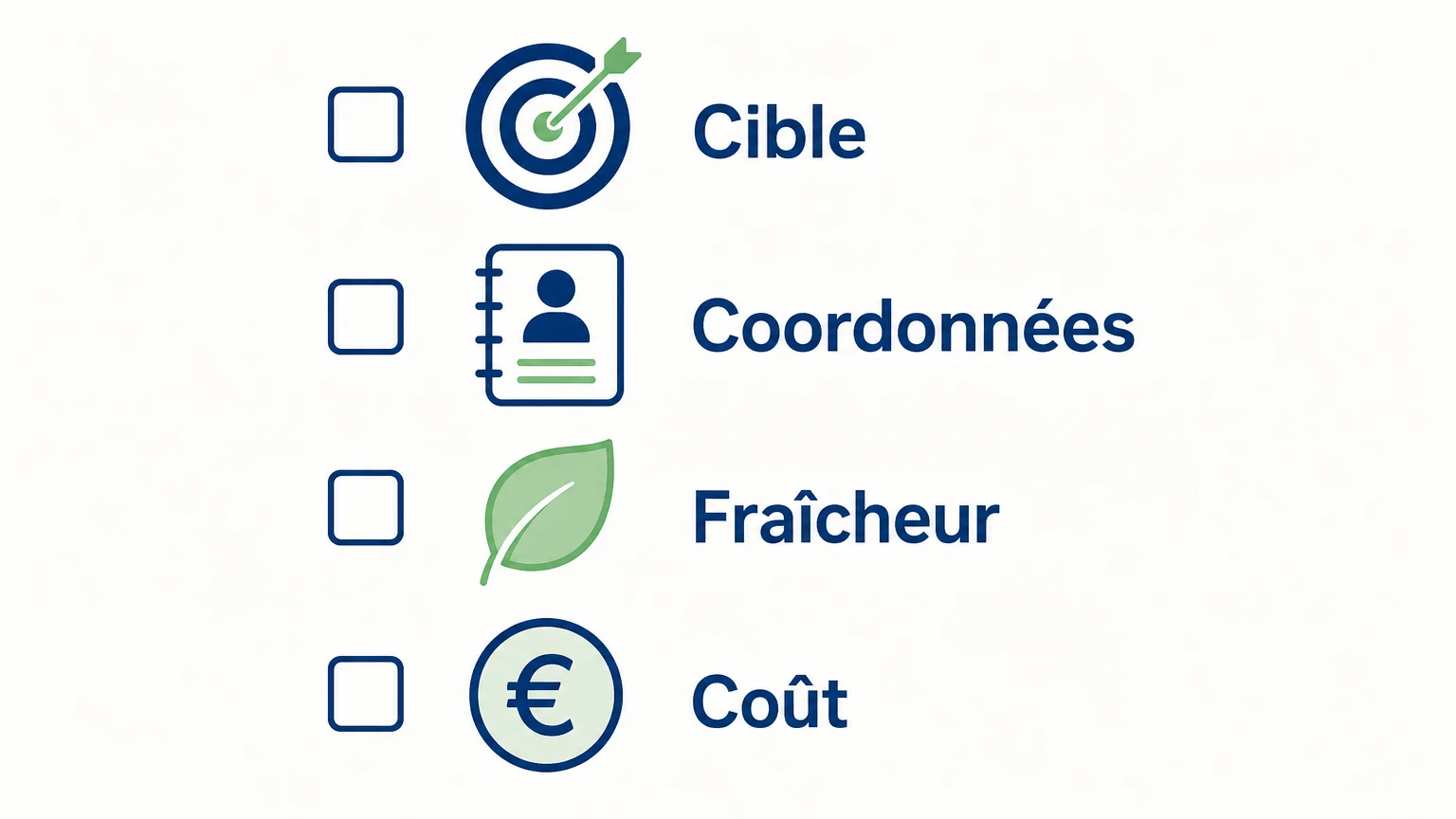
Two teams looking for professional emails don't necessarily need the same tool. One wants to complete CRM records; the other needs to identify new decision-makers and initiate prospecting actions. To choose, compare your actual need and the results you can verify on a representative sample of contacts.
- Define the target: The country, sector, company size, and desired functions determine data relevance. A large database does not guarantee good coverage of your segment.
- Specify contact details: Identify the truly necessary fields, such as professional email, phone number, or company information.
- Measure quality: Verify addresses, identify missing data, and test if job titles and companies still match targeted profiles.
- Calculate useful cost: Factor in licenses, credits, billed actions, and unsuccessful results. Compare the cost of actually usable contacts, not just the upfront price.
- Check integration: See how data flows into your CRM and follow-up process, and how duplicates are avoided.
The GDPR's data minimization principle also encourages collecting only data relevant to the defined purpose. The European Commission reminds that data must be accurate and kept up-to-date when necessary, and limited to what is useful. Consult its data processing principles when defining your enrichment fields.
Finally, organize the handling of objections into your process, rather than treating it as a simple software feature. The EDPB reminds that the right to object to processing for direct marketing is unconditional. You can also broaden your comparison with our sales prospecting tools or consult our article on B2B prospecting software if your consideration concerns the entire sales workflow.
How to Test Quality Before Selecting a Tool
Before deploying a tool across the entire team, choose a sample of prospects that matches your target clientele and test the same fields in each shortlisted solution. Note the contact details found, those verified, missing results, and the time required to transfer information into your sales process. This test doesn't prove the general quality of a database, but it shows if it meets your specific use case.
To compare costs, relate expenses to truly usable contacts and the tasks handled. A feature-rich plan can be relevant if the team uses them; a specialized enrichment tool might be more suitable if you only want to complete records. Also, ask how data is obtained, corrected, and deleted, and verify the obligations that apply to your own campaigns.
Which Tool to Choose for Your Prospecting?
The best lead enrichment tool is one that provides useful contact details for your target and seamlessly integrates into your prospecting method. combines data and sales engagement, Clay stands out with its multi-source workflows, Lemlist links enrichment to campaigns, and Waalaxy targets LinkedIn-centric uses. GetCalls is suitable when you want to sequence sourcing, enrichment, and multi-channel follow-up with actions subject to validation. Test the solutions on the same prospects and compare the quality obtained, the cost of the results, and the remaining work for the team.
Connect Enrichment to Lead Tracking
If your challenge isn't limited to finding an email address, the link between data, sales approach, and follow-ups also matters. A workflow that retains context can help your team transition from research to sustained conversations, while empowering the salesperson with the prospect relationship.
With GetCalls, the agent searches for prospects, enriches available contact details, and prepares actions on LinkedIn, via email, and by phone in a common inbox. You can validate approaches before their execution. The free trial unlocks 500 credits after setup and validation of a first campaign, no credit card required. Discover our sales prospecting software.
Frequently Asked Questions
What is the difference between lead sourcing and enrichment?
Sourcing involves identifying new contacts that match a commercial target. Enrichment completes or updates available information on these contacts, such as their professional contact details.
Does an enrichment tool always verify found emails?
No, verification methods and levels vary by solution. Check what results are controlled and test the quality of addresses on a sample relevant to your target.
Should you choose a database or a multi-source tool?
A database might suffice if it adequately covers your markets and profiles. A multi-source tool is useful when you want to orchestrate several providers and build a more personalized enrichment process.
How to compare the true cost of a tool?
Include the plan price, consumed credits or actions, necessary features, and the remaining processing time for the team. Then compare the cost per genuinely usable contact, rather than just the entry price.
What precautions should be taken for B2B prospect data in France?
Ensure that the data used is relevant for the intended prospecting, inform the individuals concerned, and facilitate their right to object. Obligations depend on the channel and situation; a tool does not replace a review of your practices.