
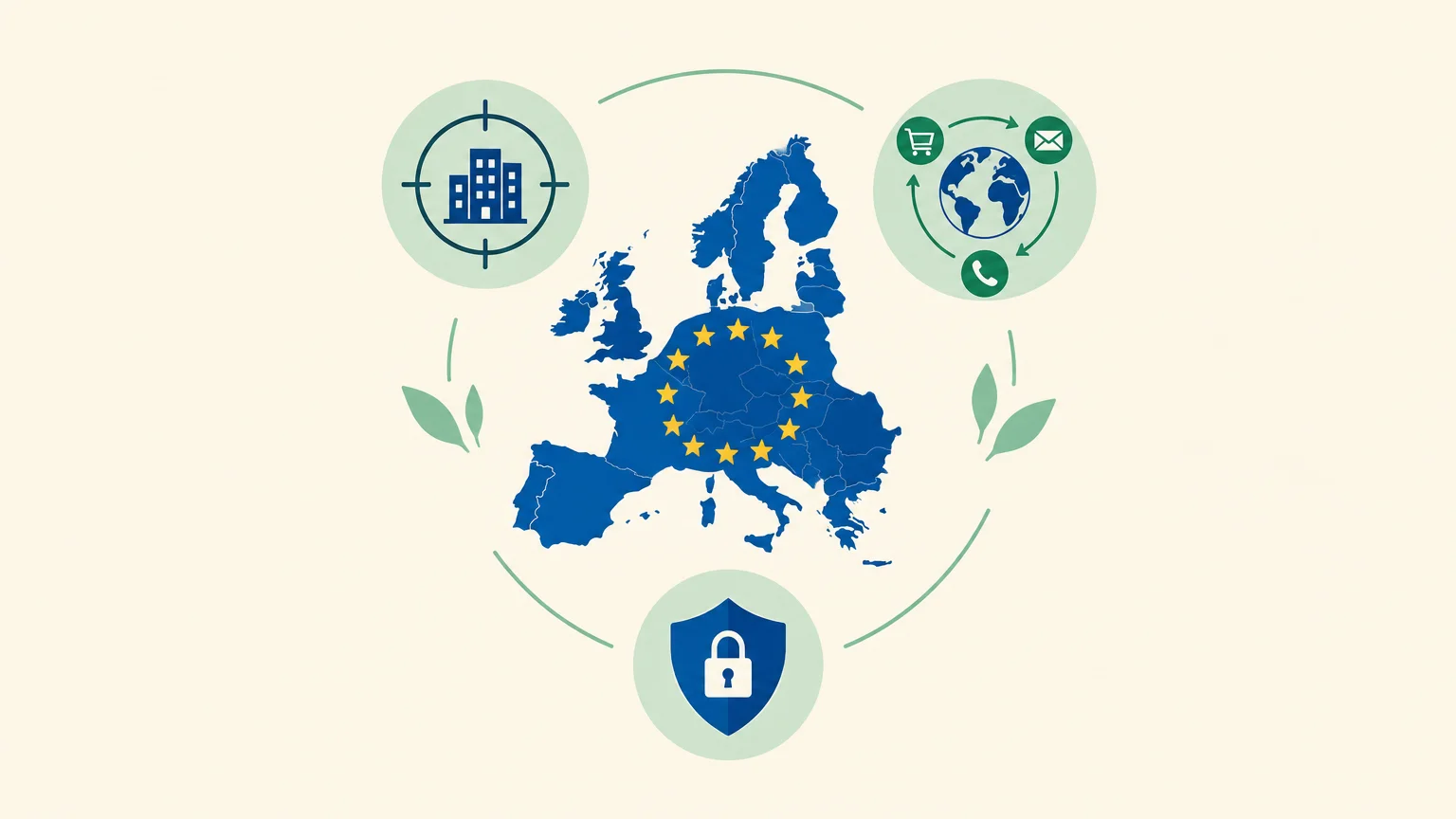
Is your challenge finding prospects in Europe, or managing every step without losing control of your data? For B2B teams, sales prospecting software for the European Union needs to fit your target countries, chosen channels and local rules. Start by distinguishing between research, enrichment and outreach, as explained in our guide to sales prospecting software.
The word “European” can refer to a vendor based in Europe, data coverage across multiple markets or hosting within the EU. These are not equivalent. In France, the CNIL states that B2B electronic outreach must relate to the recipient’s professional activity, inform them about how their data is used and give them an easy way to opt out. The CNIL’s rules therefore provide a useful reference for assessing your own practices.
What makes a tool “suitable for the European Union”?
A solution designed for prospecting in the EU is not necessarily developed by an EU-based vendor, and its hosting location alone does not establish compliance. This selection focuses on software useful to teams targeting prospects in EU markets, rather than ranking European vendors. It compares established use cases without assuming that every tool offers the same coverage in every country.
Before comparing features, define your scope: target countries, outreach languages, the roles you are looking for and your planned channels. A team prospecting in France and Germany, for example, may need to check data availability and freshness separately in each market. A region’s name on a sales page is no substitute for testing a sample that matches your target audience.
Which criteria should you compare before choosing software?
Start with a concrete scenario: your team has a list of companies, but does it still need to identify the right contacts, find their details, write an initial message and schedule follow-ups? The answer will tell you whether you need a single-purpose tool or one that connects several steps.
- Steps covered: check whether the solution helps you find, qualify, enrich, contact and track prospects, or focuses on one specific task.
- Channels: distinguish between LinkedIn-focused tools, email-focused solutions and platforms that coordinate multiple channels.
- Human control: establish whether actions are prepared for approval or carried out automatically. This choice is especially important for messages and follow-ups.
- Country-level data: request a sample that matches your markets, along with data sources and ways to correct or delete inaccurate information.
- Actual cost: review pricing, billing units, credits, required add-ons and trial conditions. Compare equivalent volumes and channels.
- Data protection: ask about processing purposes, retention periods, subprocessors, transfers and security measures.
For a closer look at tracking tasks, conversations and next steps, see our guide to sales prospecting management software. A prospecting tool supports your sales operations, but does not automatically replace a CRM or your internal contact management rules.
10 tools for prospecting for customers in the EU
If you are looking for a single solution, start by assessing how much of the process it actually covers. If your needs are more focused, a specialist tool may be a better fit. The table compares each tool’s primary role and documented channels or steps; it does not assess data quality in each country or legal compliance.
| Rank | Software | Primary role | Channels or steps |
|---|---|---|---|
| 1 | GetCalls | Integrated prospecting workflow | Sourcing, enrichment, preparation and tracking across LinkedIn, email and phone |
| 2 | Lemlist | Multichannel prospecting | Campaigns and conversations across multiple channels |
| 3 | LaGrowthMachine | Sequence orchestration | Sequences and shared inbox |
| 4 | Waalaxy | LinkedIn-focused prospecting | Invitations, messages, follow-ups and email |
| 5 | B2B data and sales engagement | Contact search and sequences | |
| 6 | Reply | Multichannel prospecting | Email, LinkedIn, calls and other sequence steps |
| 7 | Dealfront | Sales intelligence and buying signals | Company targeting and website visits |
| 8 | Kaspr | Business contact details search | Contact enrichment, particularly from LinkedIn |
| 9 | Dropcontact | Data enrichment and cleansing | Email search and record quality |
| 10 | Clay | Enrichment and data workflows | Research, qualification and configurable automation |
1. GetCalls
Best for: teams that want to bring research, outreach preparation and tracking into a single multichannel workflow, while retaining the ability to approve actions.
We start with a website URL, a catalog or an offering description to infer an ideal customer profile, find prospects and enrich their contact details where available. Our inbox brings together LinkedIn, email and phone with a shared history. Prepared actions are presented individually for approval before execution. LinkedIn invitations can be automated.
Pros:
- A single workflow covers sourcing, enrichment, message preparation, follow-ups and conversation tracking.
- Pricing is usage-based: €80 excluding VAT for 1,000 credits. A LinkedIn action card costs 1 credit, an email card with an enriched and verified address costs 3 credits, and a phone card with an enriched number costs 9 credits. No credits are charged if enrichment fails. You can adjust or stop usage at any time, with no commitment.
- The free trial requires no credit card. The 500 credits are unlocked once you have configured your account, connected LinkedIn or email, and approved your first campaign.
- We host data in Switzerland and the European Union, encrypt it in transit and at rest, and do not use it to train public models.
Cons:
- To start the relevant actions, you need to connect LinkedIn or an email inbox, configure your account and approve a first campaign.
- The number of credits used depends on your chosen channels and enrichment options.
2. Lemlist
Best for: teams that want to set up multichannel prospecting campaigns and personalize their outreach.
Lemlist combines contact search and enrichment features with coordinated campaigns. Its value lies in bringing several outbound steps into one platform, rather than simply verifying email addresses.
Pros:
- A good fit for teams that want to connect multiple touchpoints and track conversations in one place.
- Campaign personalization can help tailor messages to individual prospects.
Cons:
- If you only need to find or clean up contact details, a multichannel campaign platform offers more than that task requires.
- For prospects across multiple EU countries, check data quality using a sample from each relevant market.
3. LaGrowthMachine
Best for: teams building outbound sequences that want to centralize replies across multiple channels.
LaGrowthMachine organizes multichannel sequences and brings conversations together in a shared inbox. It suits teams that have already defined their targets and prospecting approach, and now want a structured way to manage steps and responses.
Pros:
- Sequences can connect multiple steps and adapt to a prospect’s responses or actions.
- The shared inbox helps the team retain conversation context.
Cons:
- You need to design the campaign journey and have a prospect source that matches your targeting, rather than expecting a sequencing tool to define the entire strategy on its own.
- Teams that only need to enrich contact details may prefer a tool specializing in that step.
4. Waalaxy
Best for: freelancers and small teams that have already chosen LinkedIn prospecting as their primary channel.
Waalaxy helps you build lists from LinkedIn profiles and send invitations, messages and follow-ups, with sequences that can also include email. It emphasizes ease of setup and LinkedIn campaign tracking.
Pros:
- LinkedIn prospecting and follow-ups are central to its use.
- Teams can track campaigns and sync prospects with their CRM, depending on the options available.
Cons:
- Its LinkedIn focus involves a trade-off if your priority is also to coordinate phone outreach and other channels within a broader workflow.
- Check exactly which sequences and options your chosen plan includes before comparing costs.
5.
Best for: teams looking for a platform that combines a B2B contact database, filters and prospecting tools.
combines prospect search, contact information and sales sequences. This combination can reduce the need to piece together a separate database and outreach tool, particularly for a team looking to test an integrated prospecting workflow.
Pros:
- Contact search and sequence management are available in the same environment.
- Teams can filter prospects using company and contact criteria.
Cons:
- A broad platform requires you to select the data and steps that genuinely matter, then structure the workflow to avoid multiplying actions without clear targeting.
- Before using it across several European markets, test coverage separately for the profiles that match your target audience.
6. Reply
Best for: sales teams that want to organize sequences across multiple channels and adapt follow-ups as conversations develop.
Reply combines email sequences with LinkedIn steps, calls and other channels, depending on the configured journey. The platform also offers writing assistance and conversation tracking features. It focuses more on orchestrating outreach than simply building a prospect list.
Pros:
- A sequence can coordinate several contact methods within a single journey.
- Some steps can be automated while others remain tasks for a sales rep to complete.
Cons:
- To keep the journey clear, the team needs to define its sequencing rules and decide which actions should remain under manual control.
- If your primary need is to qualify companies using signals from European markets, a sales intelligence solution may be a better fit for that specific step.
7. Dealfront
Best for: B2B teams targeting companies that want to use intent signals or visits to their website.
Dealfront, which now presents some of its solutions under the Leadfeeder name, combines company targeting, B2B data and identification of companies visiting a website. Website visit signals can help a team prioritize an account that has already shown interest, rather than relying solely on a static list.
Pros:
- Company filters and account activity events help build or prioritize a prospecting list.
- Website visits provide a useful signal for teams that already have B2B traffic to analyze.
Cons:
- Visitor identification is less useful if the website receives little traffic from target companies.
- This approach does not necessarily replace message preparation and follow-up on each channel.
8. Kaspr
Best for: sales reps who want to find and enrich business contact details, particularly while prospecting on LinkedIn.
Kaspr makes it easier to access and enrich contact information. It is useful when a team has already identified its prospects and wants to fill in their contact details before continuing outreach as part of its sales process.
Pros:
- Contact details search can fit into the work you already do from LinkedIn profiles.
- The solution also offers prospect organization and automation features.
Cons:
- Assess contact data quality separately for the countries and industries you target, as coverage may vary depending on the profiles you need.
- For comprehensive multichannel tracking, check whether the workflow features meet your needs or whether another tool is still required.
9. Dropcontact
Best for: teams that already have a contact list and want to enrich, verify or clean their B2B data.
Dropcontact focuses on enriching business contact details, particularly finding and verifying email addresses, as well as cleaning records. It works upstream of outreach: the tool prepares more complete data, while contacting prospects and tracking conversations require other tools or processes.
Pros:
- It handles a specific task—improving contact data quality—without requiring the team to adopt a full sales engagement platform.
- Data cleaning and duplicate detection can help keep records more consistent.
Cons:
- It does not replace a sequencing tool or a multichannel prospecting inbox.
- You need an existing list containing the information required for enrichment.
10. Clay
Best for: teams that want to build research, enrichment and qualification workflows using multiple data sources.
Clay lets you build custom workflows and combine enrichment steps or searches to complete contact records. It can suit teams that want precise control over each step and have the time to build, test and refine their processing logic.
Pros:
- Combining multiple providers and conditional steps lets you design processes tailored to different audiences.
- The data can drive outreach actions when the workflow and connected tools are configured to support them.
Cons:
- Configuring sources, fields and workflow rules takes more preparation than using a tool built around ready-to-launch campaigns.
- Enrichment results should be checked on test records before processing data at scale.
An integrated workflow or several specialized tools?

Imagine a small team using a database, an email tool and a separate follow-up service. Each component may serve a useful purpose, but the team still needs to transfer records, preserve conversation context and avoid duplicate follow-ups.
An integrated platform reduces tool switching and brings more steps together in one place. It can suit teams that want a seamless flow from research to follow-up. By contrast, combining specialized solutions gives you more freedom to choose the best tool for each task, but requires clear processes and checks to keep data from becoming scattered.
Our approach at GetCalls is built around this integrated workflow: the agent finds and enriches prospects, prepares messages and follow-ups, then presents them in a shared inbox. Prepared actions are submitted for approval before execution. To compare targeting and outreach needs in this context, our selection of B2B prospecting software offers another useful reference point.
What data and messaging controls should you check?
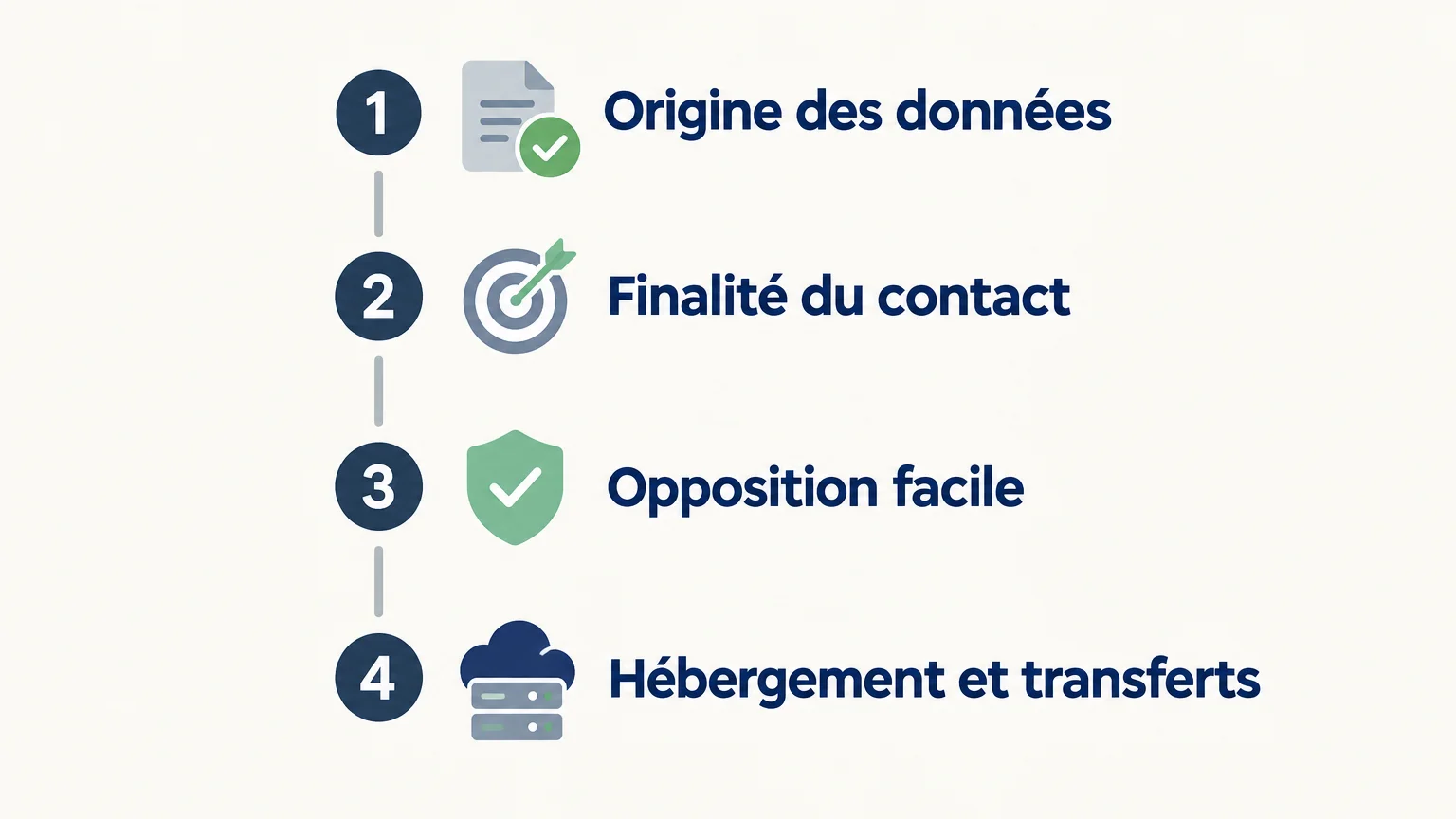
Before importing a list, ask where the contact details come from, what they will be used for and how individuals can exercise their rights. The GDPR requires, among other things, a defined purpose, data minimization, accuracy and limited retention periods. The EDPB guide for SMEs summarizes these principles in practical terms.
Also ask where the data is hosted, who can access it, which processors are involved and whether any transfers outside the European Economic Area are planned. These details help you ask the right questions about applicable safeguards; storage location alone does not tell you how all processing is handled. The EU rules on international data transfers specify that transfers outside the EEA require appropriate safeguards.
Finally, distinguish between the compliance of the tool and that of your campaign. In France, you still need to check the professional relevance of the message, the information provided to recipients and their ability to opt out. For other EU countries, also review the national rules applicable to your chosen channel, particularly for electronic communications.
How can you test a solution before adopting it?
Rather than comparing feature lists alone, choose a small, representative sample of your market. Test a few companies and profiles that match your target audience, then see which steps the team can actually complete without copying and pasting or losing context.
- Define a specific target: choose an industry, company size, country and decision-making role.
- Verify the data: check contact details, their source and their relevance to the role you are contacting.
- Track an action from start to finish: from prospect research to follow-up, note which manual steps are still needed.
- Review costs and controls: calculate spending based on your actual volume and check who approves messages before they are sent.
This test lets you compare tools against the same use case, rather than confusing feature count with market fit. For teams that prioritize automation, keep a clear distinction between actions prepared by the software and sales conversations that should remain human-led.
The right choice depends on your process
To choose a prospecting tool suited to the European market, start with the countries you are targeting and the steps your team wants to bring together. A specialized solution may be enough to enrich a list or organize LinkedIn campaigns; an integrated workflow makes more sense if you want to connect research, outreach and follow-up. In every case, test the data in your target markets, review the data processing terms and stay in control of the messages you send.
Connect prospect sourcing with follow-up
If your team spends too much time finding contacts, preparing messages and organizing follow-ups across multiple tools, a single workflow can simplify these steps. The key is to retain control over targeting and actions while freeing up time for sales conversations.
Our prospecting agent analyzes your website or sales presentation, finds prospects, enriches their contact details and prepares personalized messaging for LinkedIn, email and phone outreach. You approve prepared actions before they are executed. The free trial requires no credit card; 500 credits are unlocked once you configure and approve your first campaign. We host data in Switzerland and the European Union, with encryption in transit and at rest. Try the GetCalls prospecting agent.
Frequently asked questions
Does prospecting software need to come from an EU-based provider?
No. Where the provider is based and how well the software fits your market are two separate questions. Focus instead on coverage in your target countries, data processing terms and the transfer safeguards applicable to your situation.
Is the GDPR enough to assess whether a B2B campaign is compliant?
No. The GDPR governs personal data processing, while prospecting rules may also depend on the channel and country. For a campaign in France, check in particular the professional relevance of the message, the information provided to recipients and their right to object.
Should you choose an all-in-one tool or several specialized solutions?
An integrated tool can reduce transfers between applications and help preserve conversation history. Multiple specialized tools offer more choice at each stage, but require disciplined processes to avoid duplicates and lost context.
How can you verify contact data quality in an EU country?
Test a sample drawn from your target industry, country and roles. Check the validity of the contact details, their source and whether the relevant data can be corrected or deleted.
Does GetCalls let you approve messages before they are sent?
Yes. Prepared actions are presented individually for approval before execution. LinkedIn invitations, however, can be automated; LinkedIn activity volumes are kept under control.