
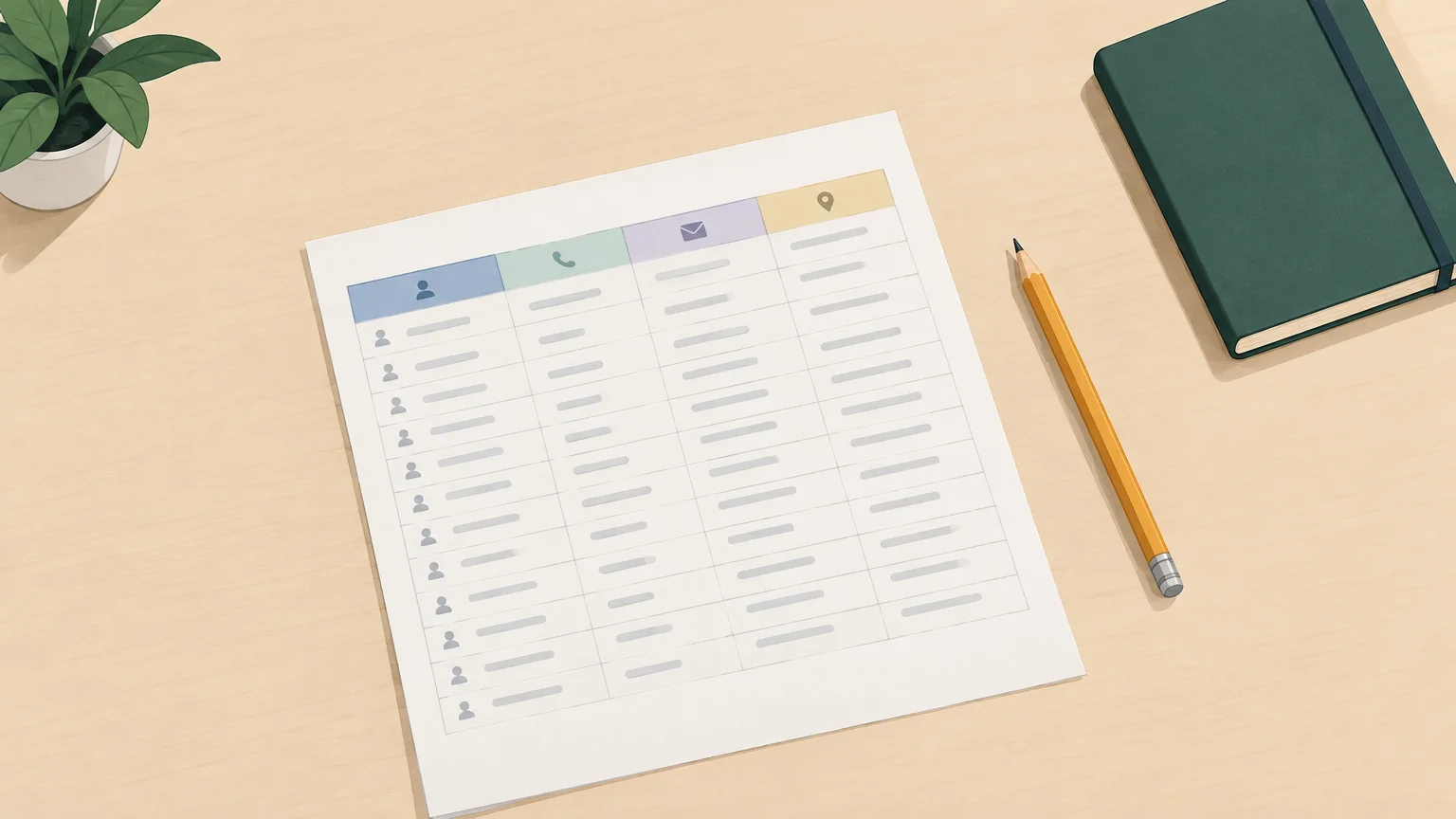
Want to organize your contacts without adding software to your budget? A spreadsheet is often enough to get started, provided you choose a few useful fields and keep the information up to date. If you also need to fill in missing contact details, our comparison of prospect enrichment tools can help you identify what to look for.
A free prospecting spreadsheet can mean two different things: a blank template to fill in or a ready-made list of companies and contacts. The first helps you organize follow-ups; the second needs to be assessed for the data it includes, its source and how well it matches your target audience. The right choice depends on what you need: a structure, prospects or both.
Blank template or contact list: what are you looking for?
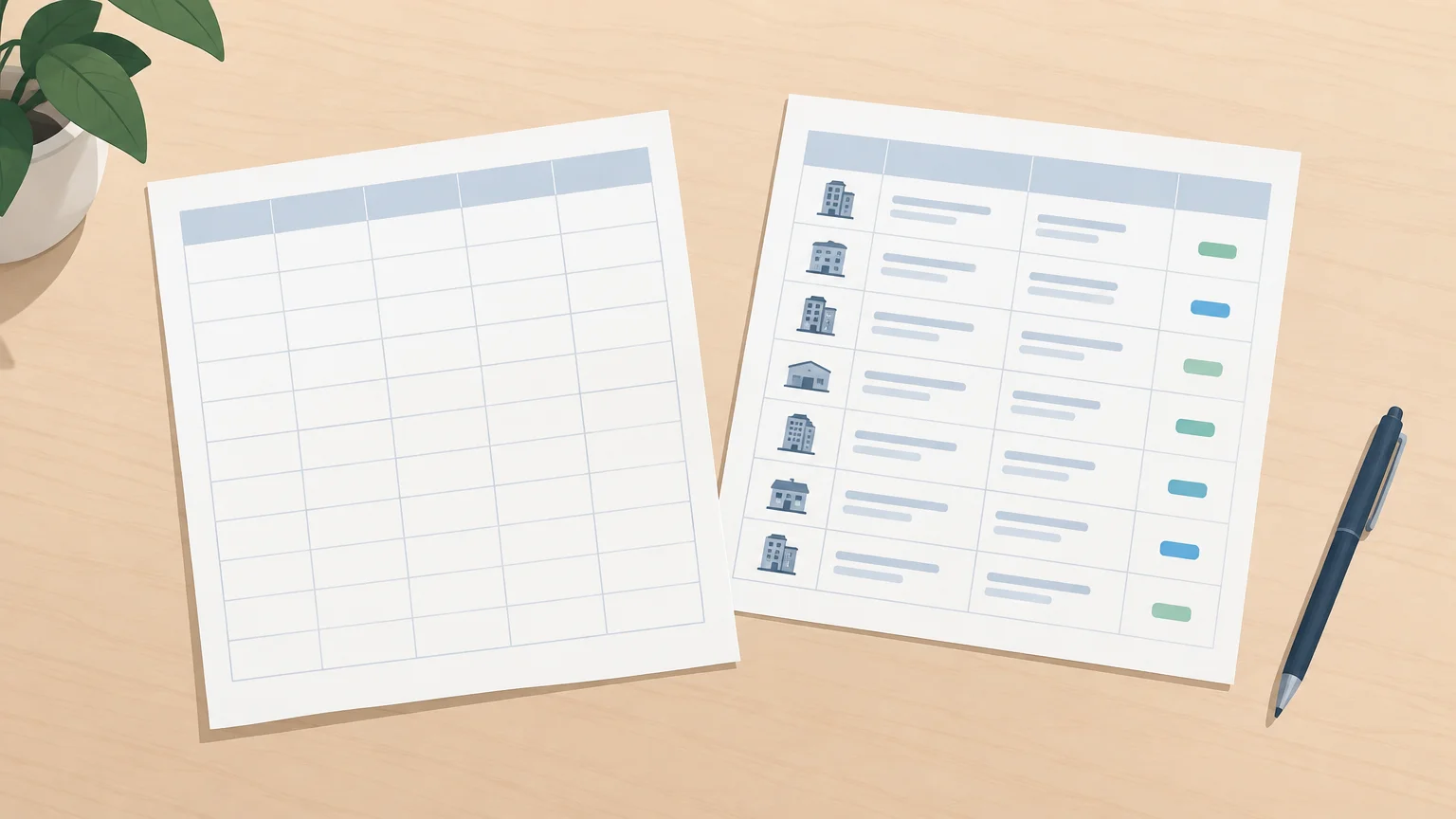
Already have contacts from sales conversations, events or inbound inquiries? A blank template lets you organize them without paying a download fee. It does not, however, provide companies to target or contact details: you need to find and enter that information yourself.
A prefilled list, on the other hand, gives you a starting point, but its value depends on what it contains. A company list may include general information without the contacts or contact details your outreach requires. Before using it, check the available fields, the last updated date if provided and the terms of use.
Where can you find a free prospecting spreadsheet template?
If your priority is a structure you can customize, Axiz e-business offers a prospecting spreadsheet template that you can view online and download in Excel format. Read the instructions on the page before editing or sharing the document, then tailor its columns to your business rather than keeping fields you do not need.
If you want to build a list of French companies rather than download a blank template, public data can provide information about organizations. France Num highlights open data from organizations such as INSEE and INPI as a resource for enriching existing data. This company information does not automatically amount to a list of decision-makers or business email addresses.
Before choosing a template, also check its format, whether you can edit it and any access requirements. An Excel or CSV file can be opened in a compatible spreadsheet application, but menus, filters and formulas may need some adjustments after import. Test a few rows before transferring your entire database.
Which columns should you include to track prospects?
A good spreadsheet helps you decide what to do next, not just store names. Start with the information needed to identify the company and contact, then add just enough context to personalize your approach and plan follow-ups.
- Company: name, industry, website and location, depending on your targeting criteria.
- Contact: name, job title and available business contact details.
- Qualification: a criterion explaining why the company fits your target audience, such as its industry or size.
- Contact source: event, inbound inquiry, referral or another clearly identified source.
- Sales follow-up: status, date of last interaction, a useful summary and the next action with its due date.
To keep the spreadsheet easy to read, use consistent status values, such as “not contacted,” “contacted,” “follow-up needed,” “meeting scheduled” and “closed.” A priority column can be useful if it is based on defined criteria; without a shared rule, it may reflect a different judgment from each user.
If you track multiple interactions with the same person, a separate sheet can serve as an activity log: date, channel, outcome and next step. Link each row to the relevant company or contact using a consistent identifier. This avoids squeezing the entire history into a single notes cell.
How do you customize the spreadsheet and keep it up to date?
Imagine a sales rep who imports a long list but does not record follow-up dates: they have plenty of names, but no clear next steps. To avoid this problem, tailor the spreadsheet to your target audience, then make updating it a routine part of every interaction.
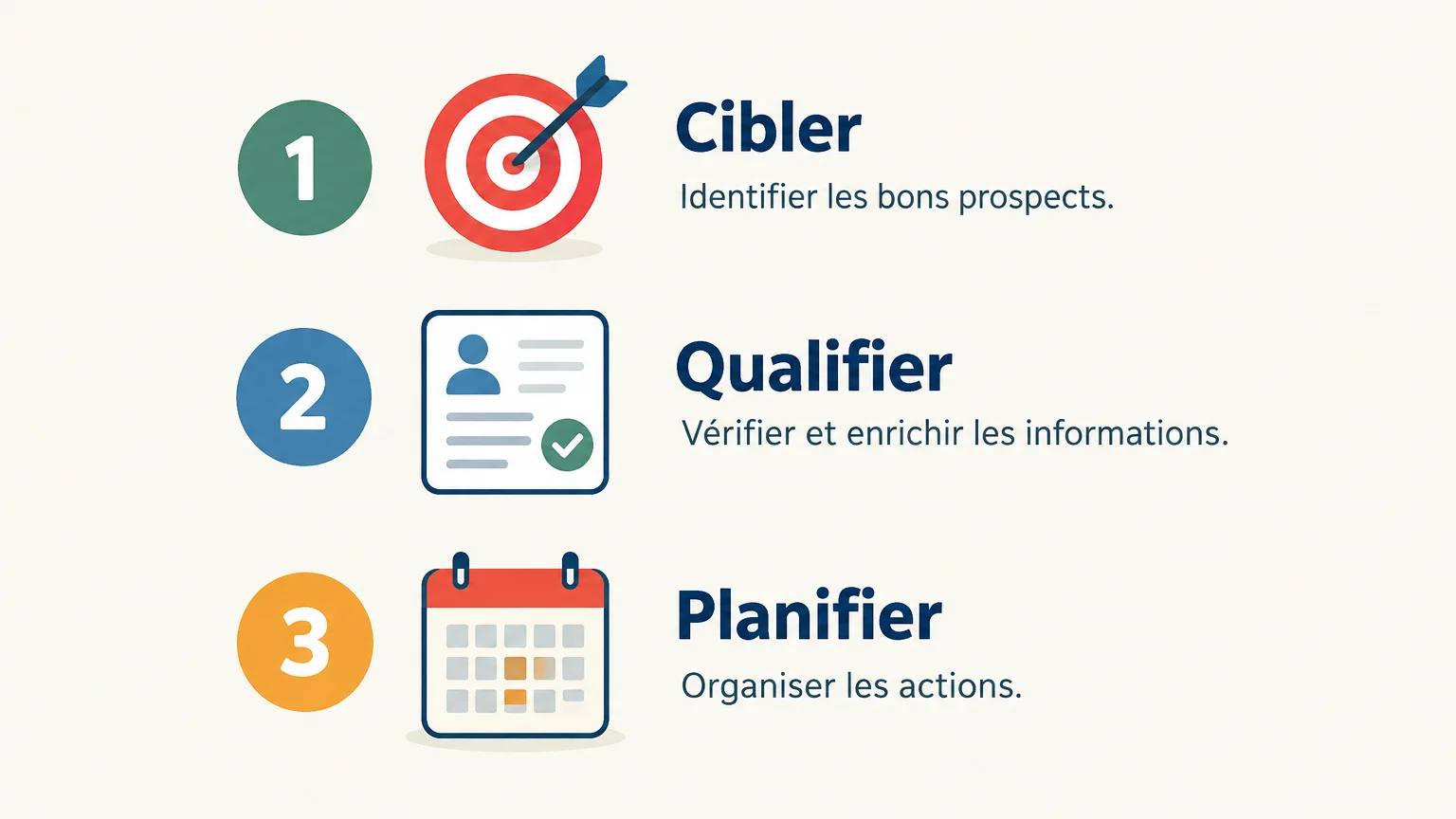
- Target: define the types of organizations and contacts you want to track before adding rows.
- Qualify: record the details relevant to that audience, distinguishing verified facts from conversation notes.
- Plan: after each interaction, update the status and enter the next action with a date.
Reduce duplicates by searching for the contact or company before creating a new entry. Status dropdowns, a consistent date format and simple filters make the spreadsheet easier to use. If several people edit the file, define who updates which information and agree on a single location to avoid conflicting copies.
If your main task is identifying relevant contacts rather than tracking them, a spreadsheet alone will not solve the research challenge. We explain the steps involved in prospect sourcing and enrichment, along with the criteria for finding qualified prospects before adding them to your follow-up process.
What limitations and precautions should you consider?
When one person manages a short list, a spreadsheet can remain a practical option. With more contacts or multiple users, it becomes harder to manage duplicates, track changes, coordinate follow-ups and keep data current. If these tasks start taking time away from sales follow-ups, consider whether a more structured approach would better meet your needs.
Maintaining a file containing information about individuals also constitutes personal data processing. In France, Service Public Entreprendre outlines the principles of the GDPR, including defining a purpose, collecting relevant data, setting a retention period and implementing security measures. In practice, avoid collecting information that serves no purpose for your outreach, restrict file access to those who need it and plan how to handle requests to update or delete data.
A free spreadsheet does not remove the need to consider where your data comes from and how you use it. The applicable requirements may depend on the outreach channel and the circumstances; check the relevant rules before using a list, particularly if it includes personal contact details.
The right spreadsheet is one you can keep up to date
To get started, choose an editable template, limit columns to those that genuinely support your targeting and always record the next action. Clearly distinguish a blank template from a ready-made contact list, verify the source of the information and secure access to it. As your volume grows, reassess the format based on the time spent updating and sharing your sales tracking information.
When a spreadsheet is no longer enough
An Excel file works well for simple follow-up tracking, but it does not provide new contacts or their details on its own. If you also want to structure prospect research, qualification and follow-ups, we offer a prospecting agent that analyzes your offering, searches for prospects and prepares actions for review. Your team remains in control of customer relationships and the required approvals.
You can try our sales prospecting software without a credit card. Once you have set up your account with LinkedIn or a connected email account and approved your first campaign, 500 credits are unlocked so you can try the service. After that, credits are billed on a usage basis, and you can adjust your monthly volume or cancel without a long-term commitment.
Frequently asked questions
Does a free prospecting spreadsheet include contacts?
Not necessarily. A free template is often a blank spreadsheet to fill in, while a prefilled list needs to be assessed based on the information it actually provides and where that information comes from.
What information should you include in a prospecting spreadsheet?
Record the company, contact, qualification criteria, data source and useful business contact details. Add the status, date of the last interaction and next action to take.
Is Excel enough to track prospects?
A spreadsheet can work for simple tracking, especially if only one person updates it. Multiple users or a growing volume of contacts can make coordination, updates and duplicate management more difficult.
Can you use a prospect list you found for free?
A free list does not guarantee that the data is accurate or relevant to your business. Check the available information, its source and the applicable rules before contacting anyone.
What if I also want to find and enrich prospects?
A template organizes information, but it does not find contacts or enrich their details on its own. Our prospecting agent can help prepare these steps, while leaving your team in control of customer relationships and the necessary approvals.